Shopping Cart
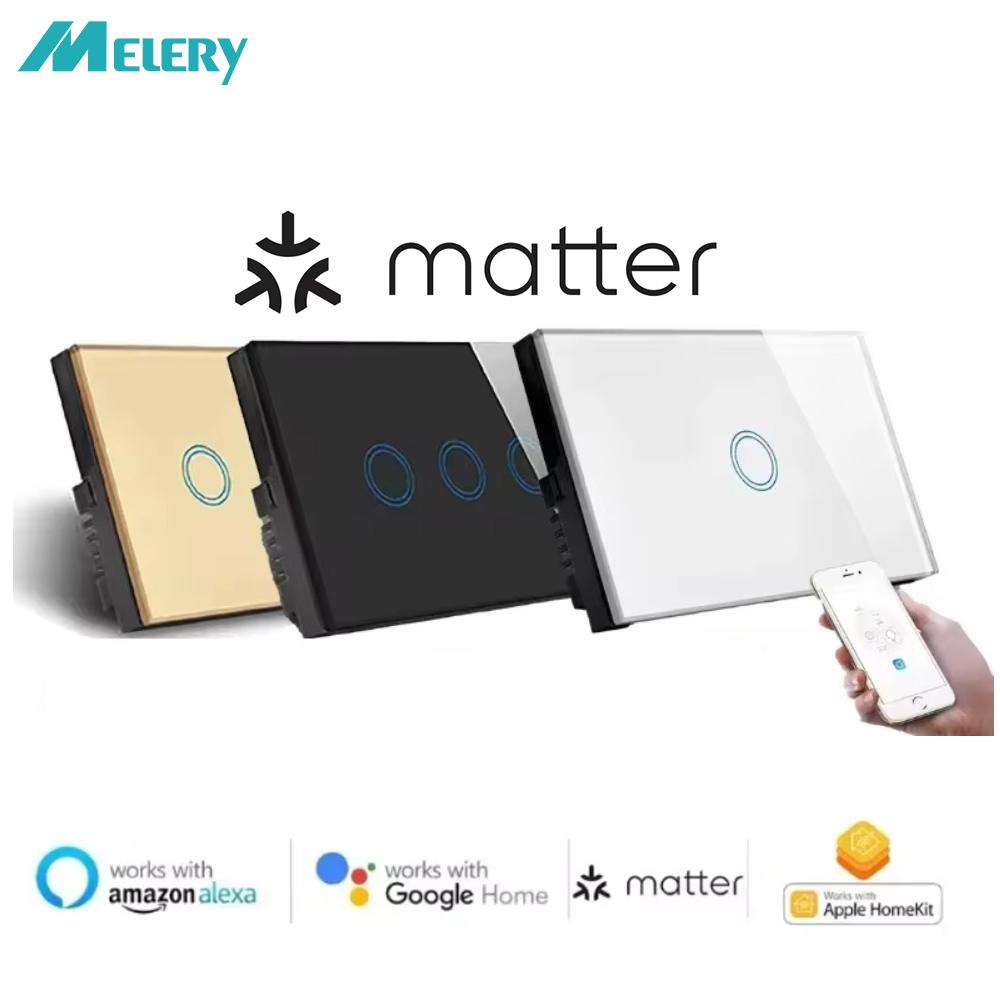
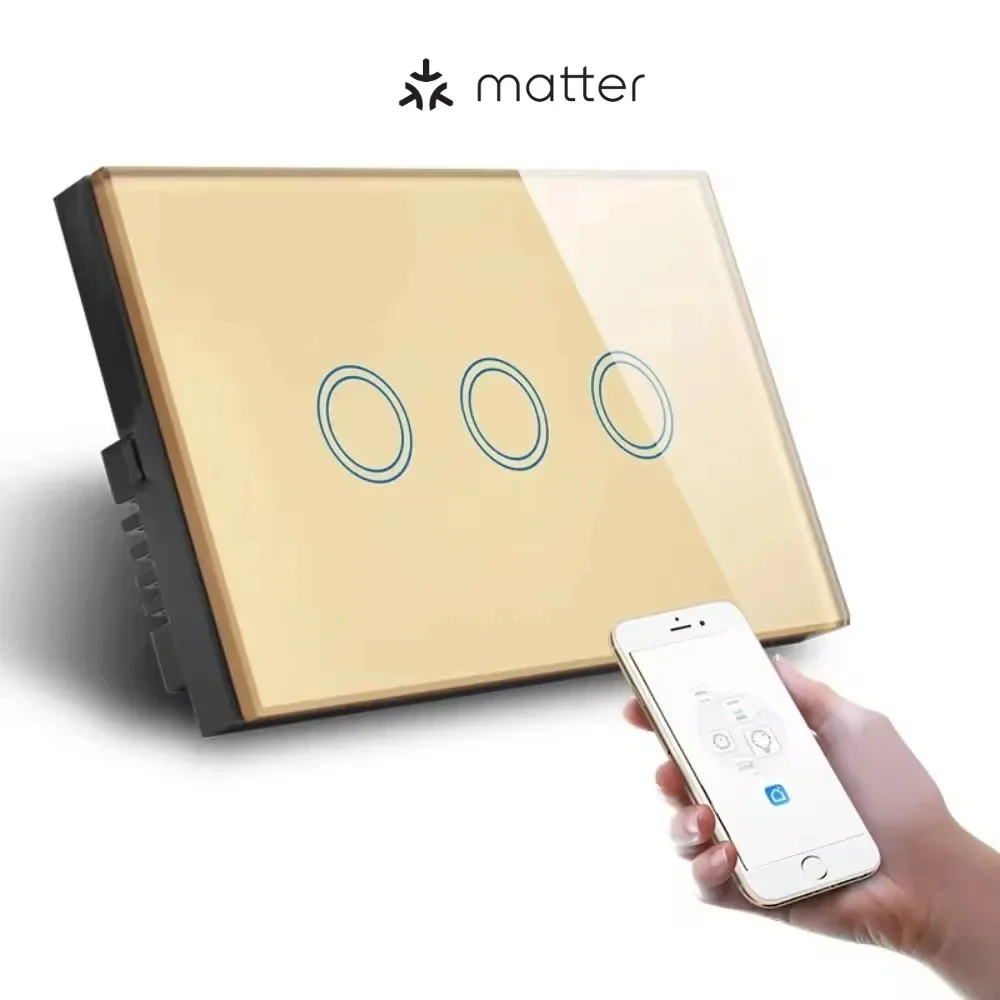
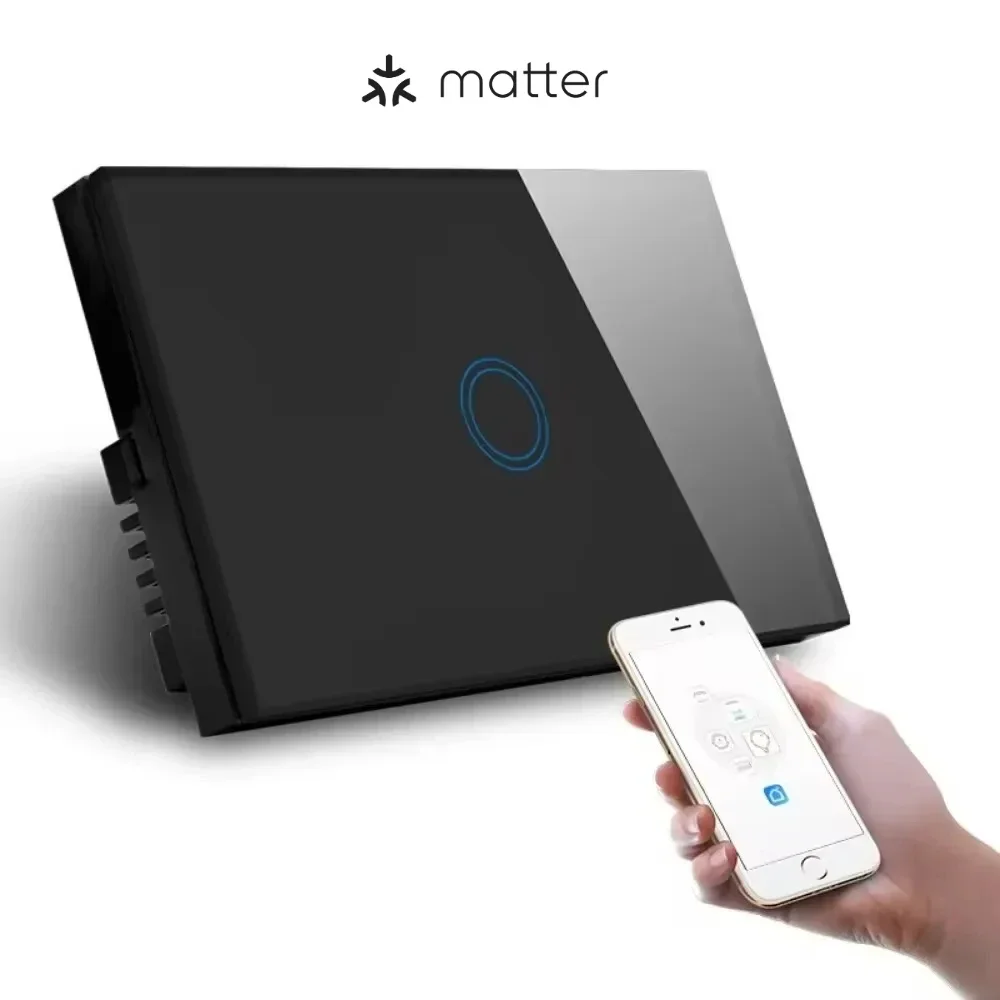
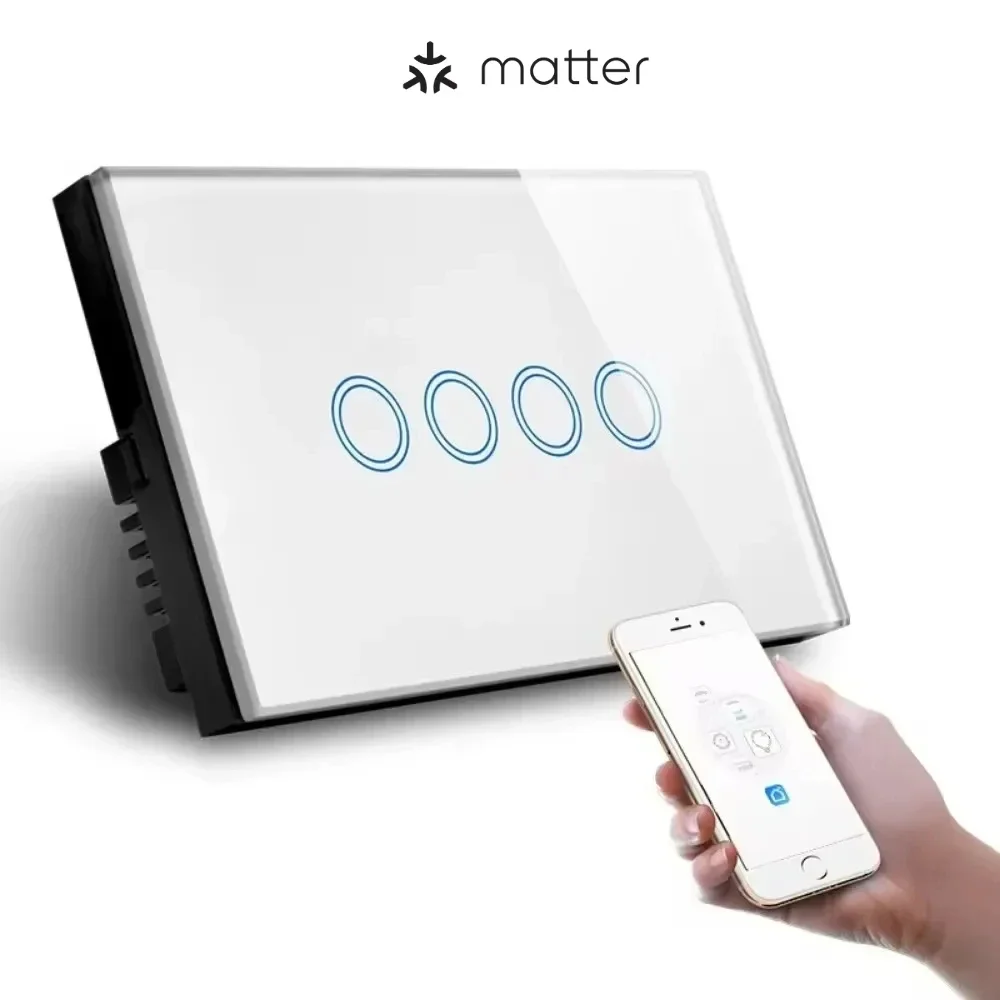
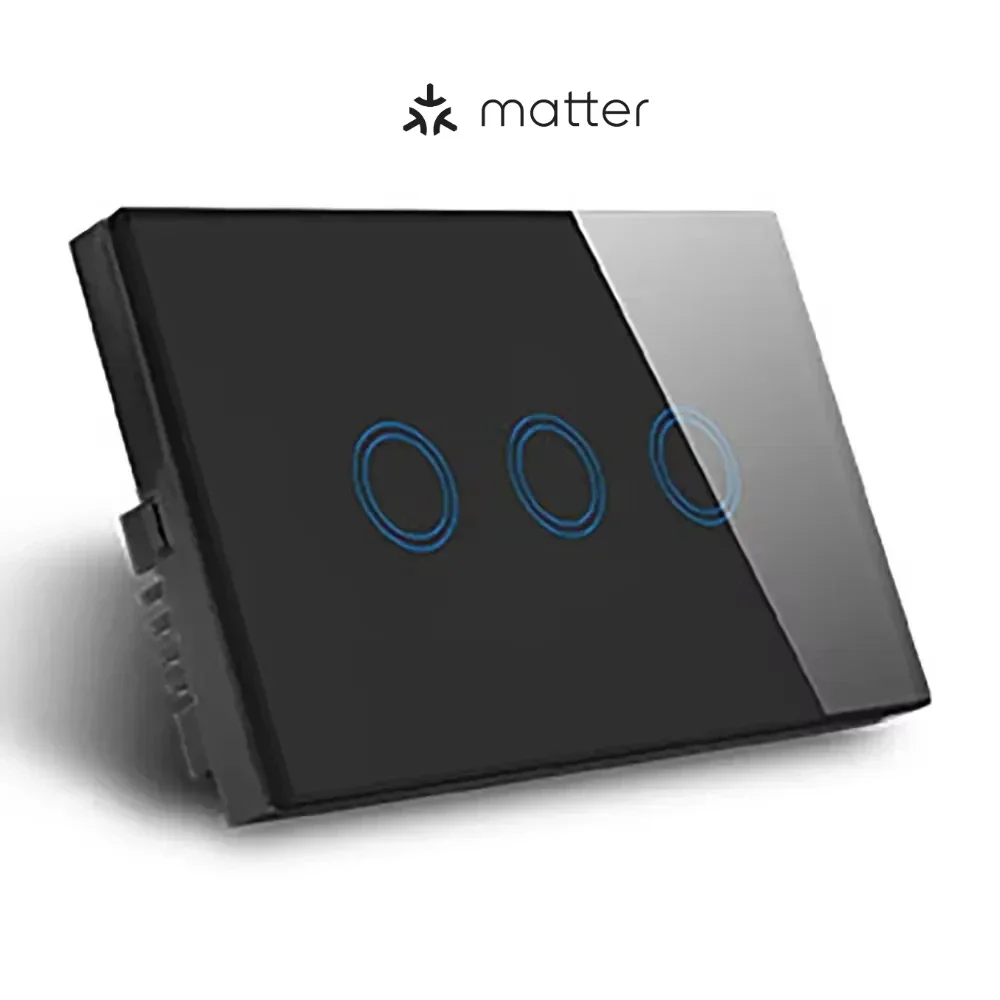
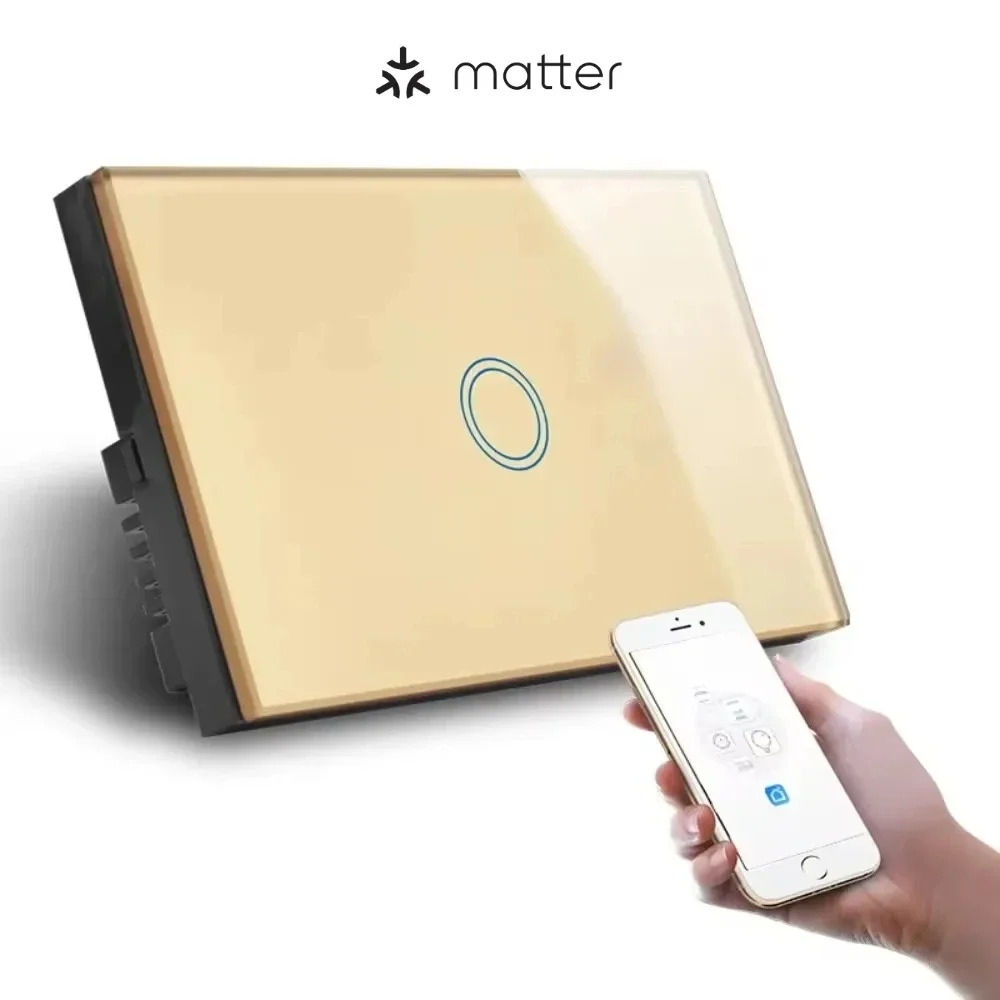
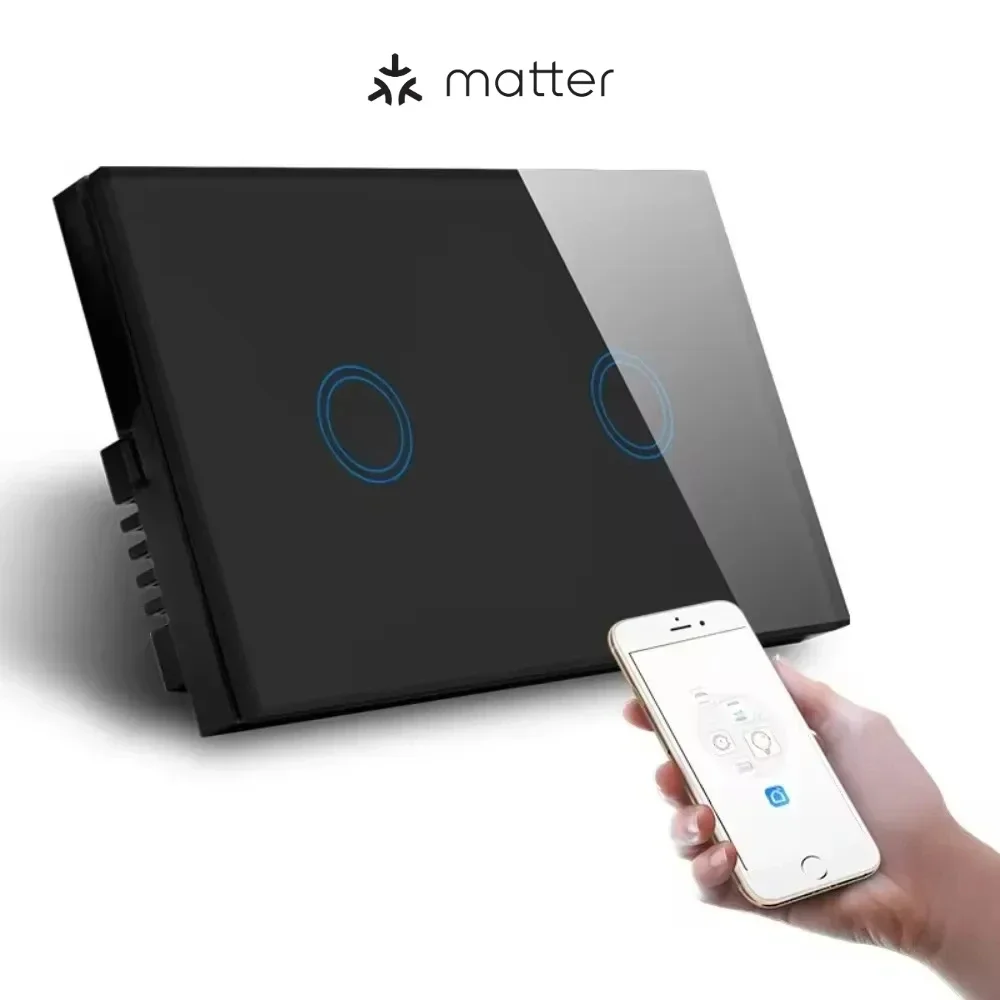
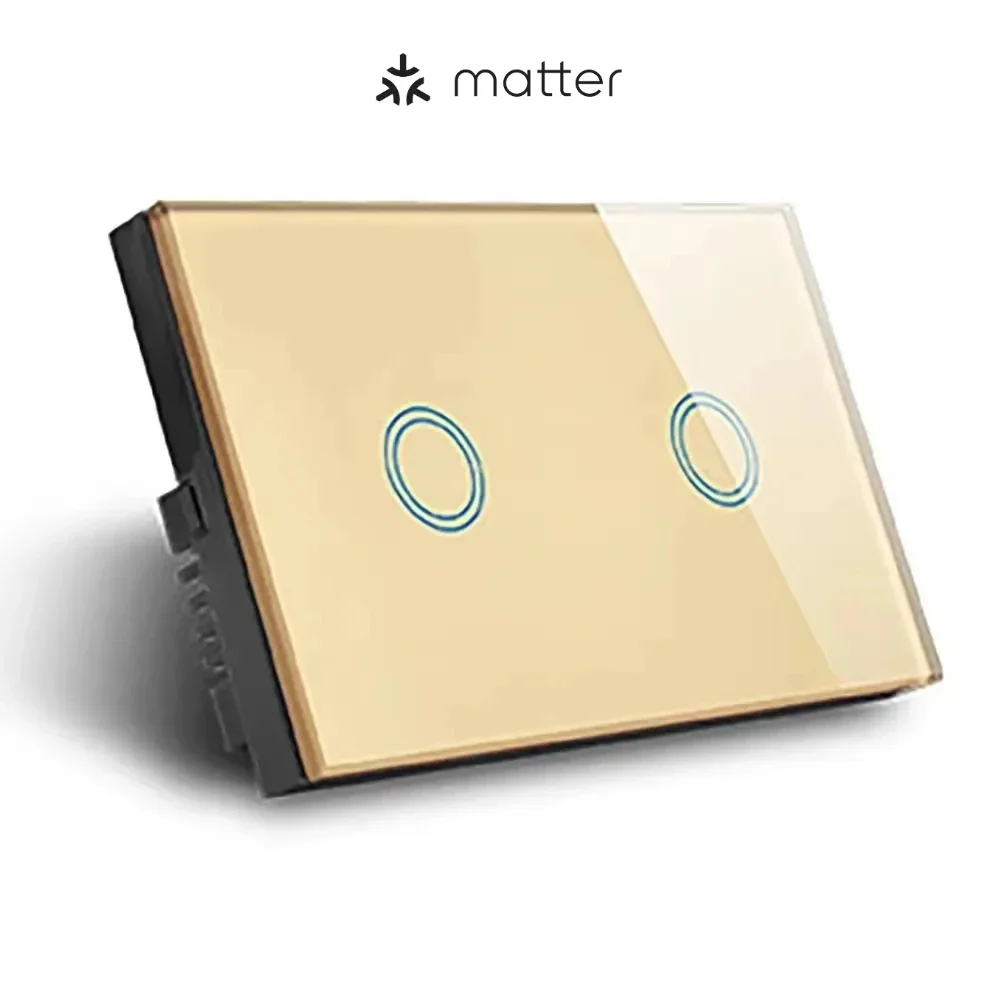
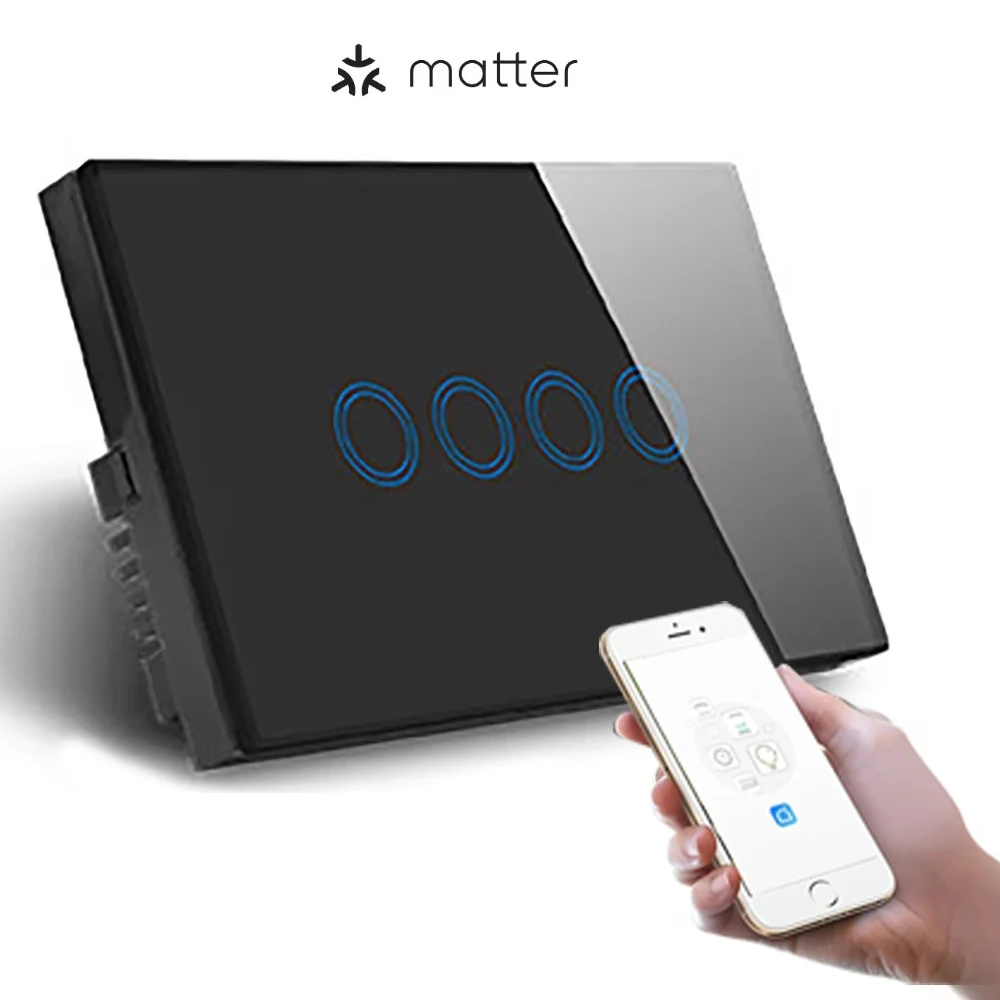
Melery Matter Thread Light Wall Switch WiFi Touch Sensor Remote Control by Apple Homekit SmartThings Google Home Siri Alexa -Melery

Melery Matter Over Wifi Light Wall Switch Touch Sensor Remote Control by Apple Homekit SmartThings Google Home Assistant Siri Alexa

Melery Matter Over Wifi Light Wall Switch Touch Sensor Remote Control by Apple Homekit SmartThings Google Home Siri Alexa
$19.99 USD $0.00 USD
Color
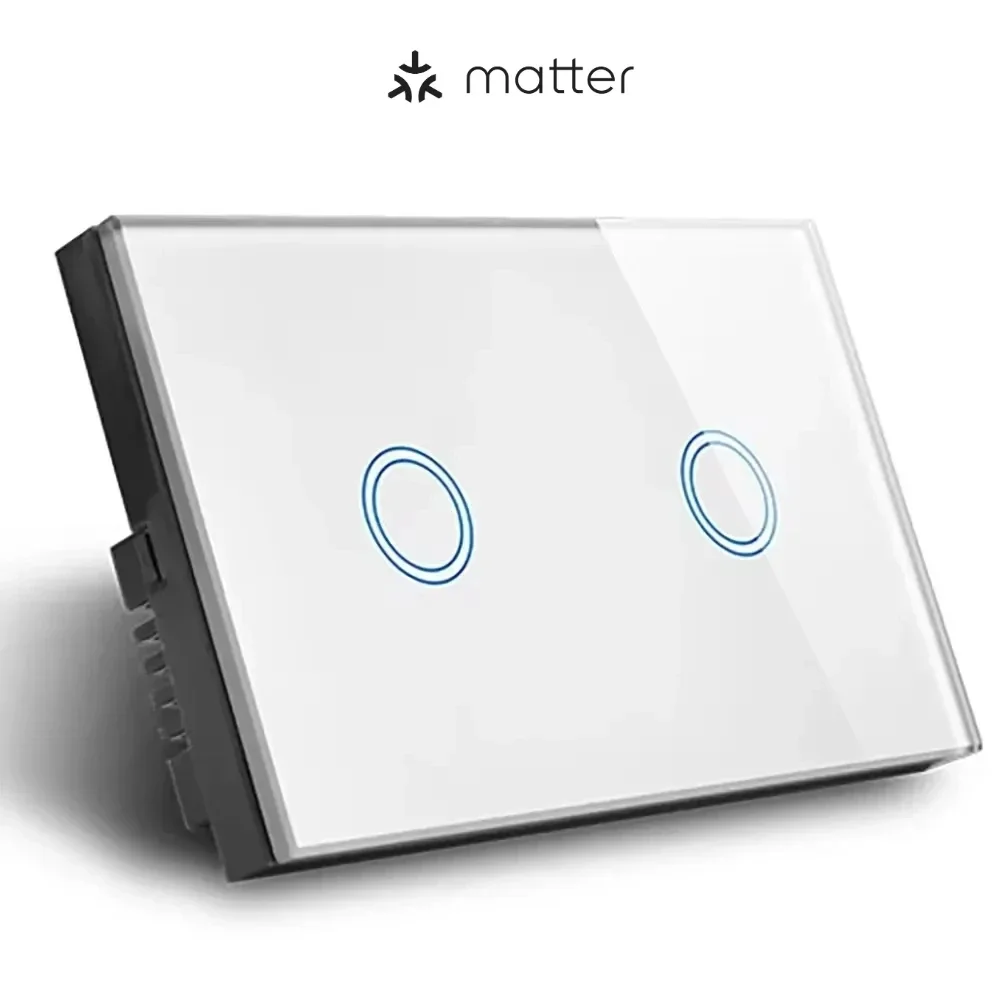
2GANG-WHITE
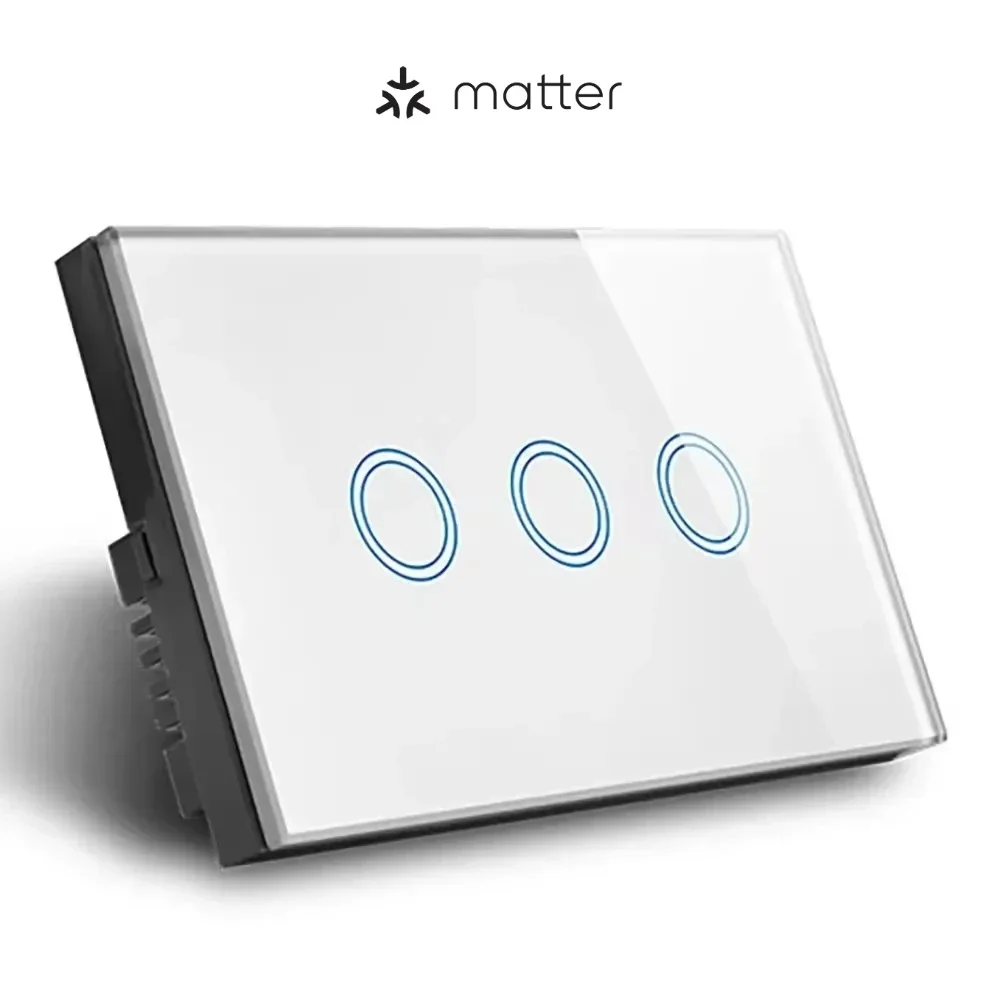
3GANG-WHITE
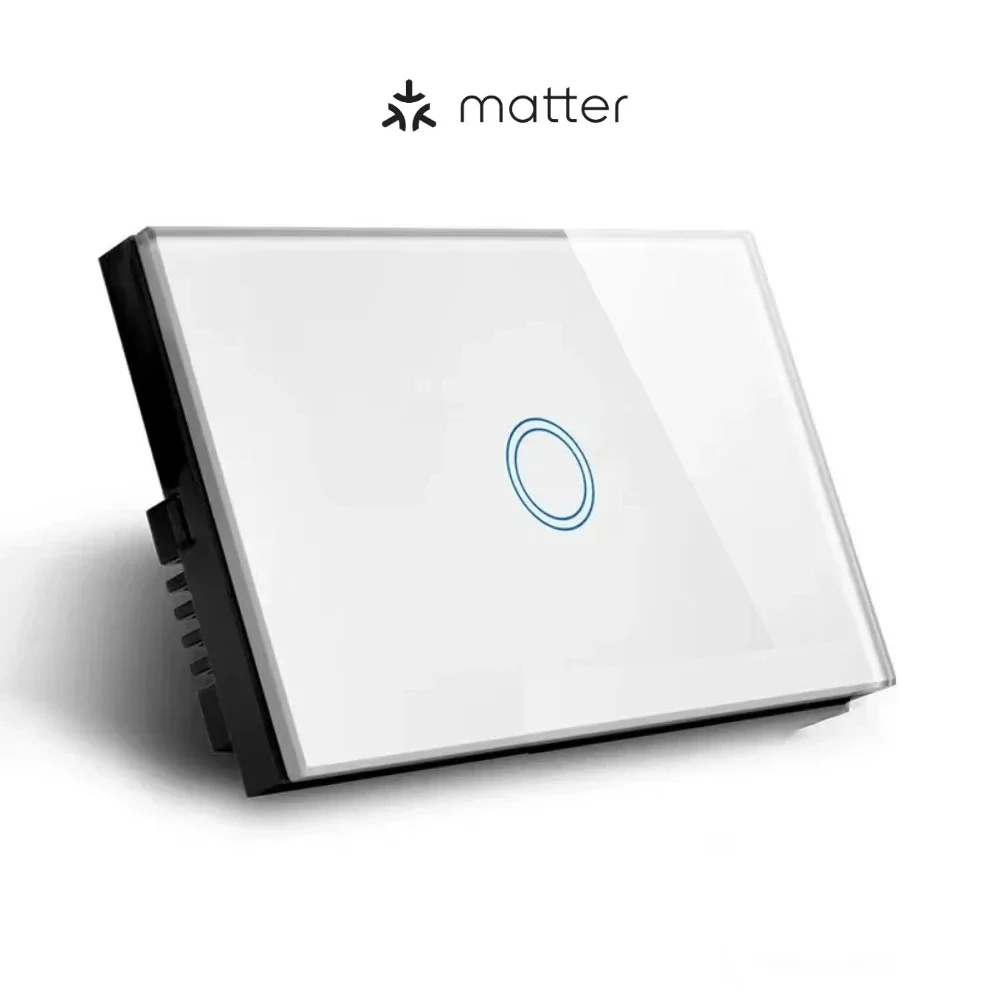
1GANG-WHITE
3GANG-GOLD
1GANG-BLACK
4GANG-WHITE
3GANG-BLACK
1GANG-GOLD
2GANG-BLACK
2GANG-GOLD
4GANG-BLACK
Quantity
Only 3000 left
Buy now

Matter Over WiFi Smart Switch Push Button Light Switch US - Neutral Required

Upgrade your home to a smarter, more connected space with our Matter Over WiFi Smart Push Button Light Switch—designed for US homes, engineered with Matter protocol over WiFi (NOT Thread), and fully compatible with Google Home, SmartThings, and other leading smart home ecosystems. This switch combines seamless control, sleek design, and reliable performance, making it the perfect addition to any modern home.

Key Features & Highlights

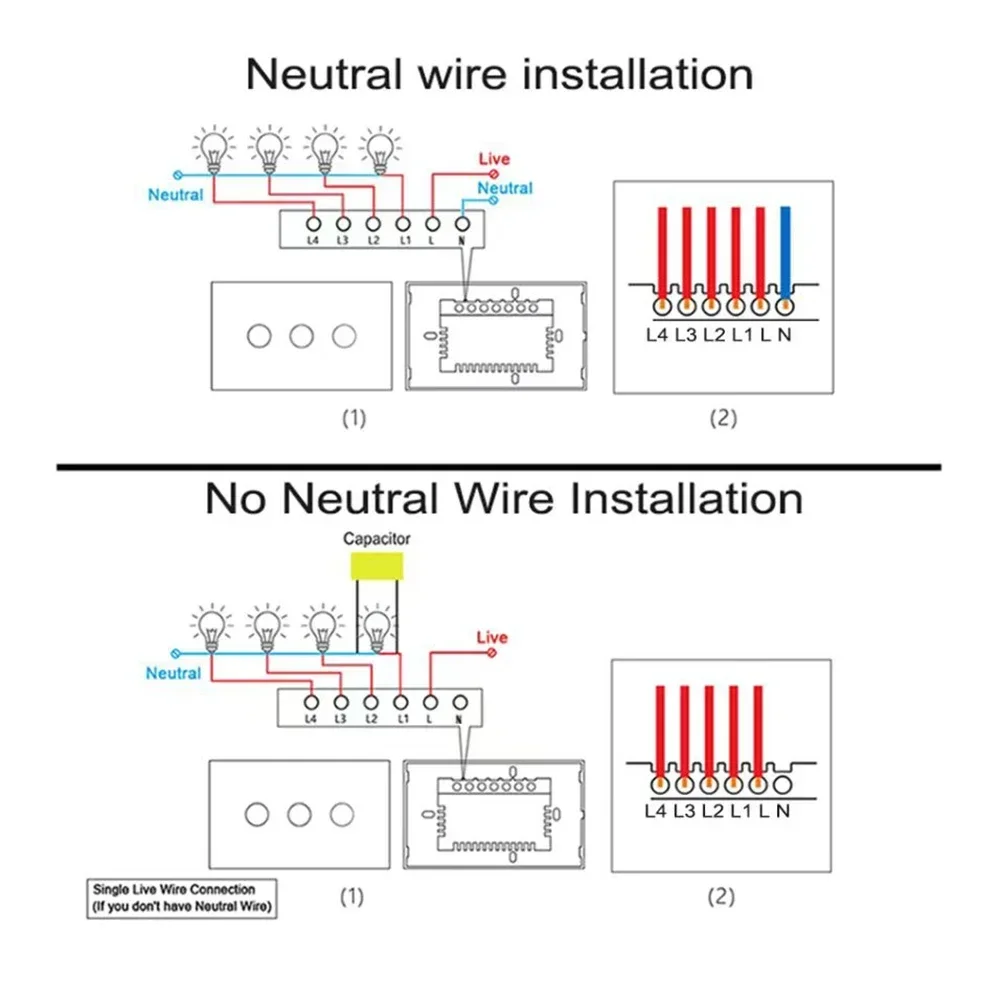
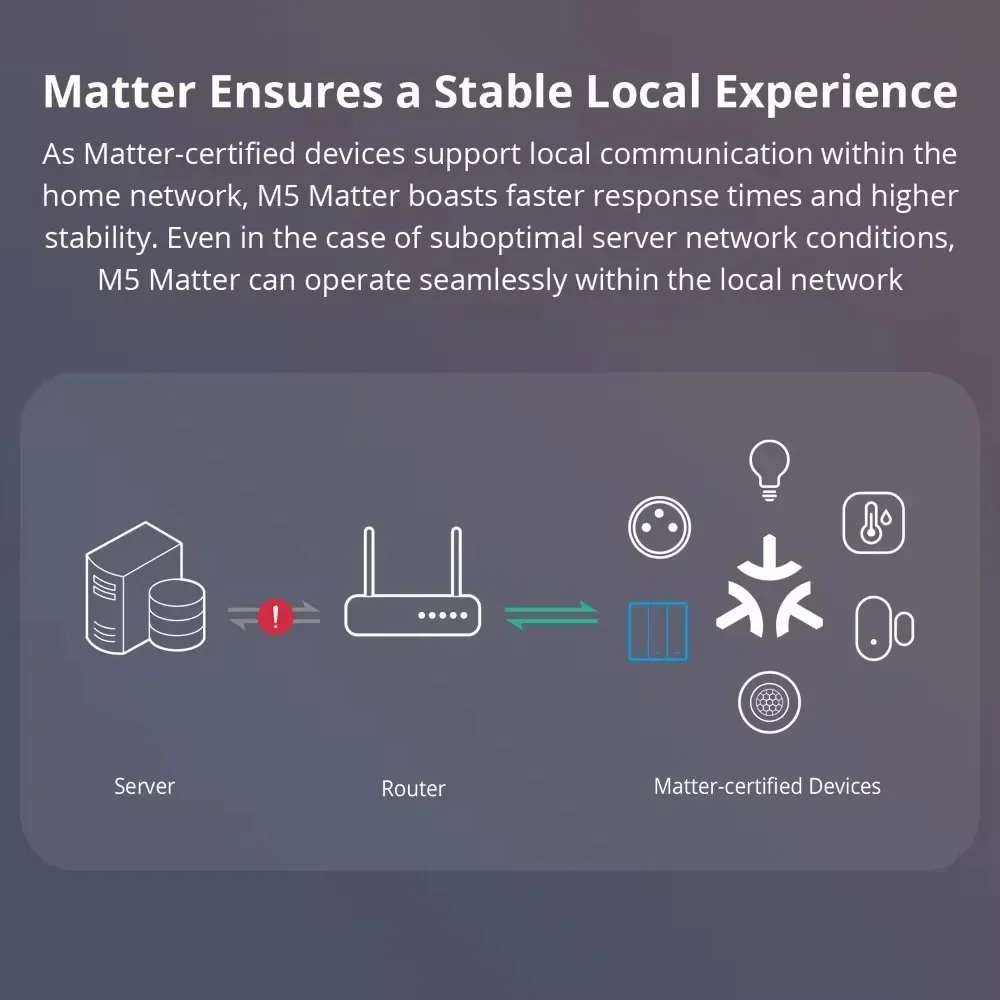
  • Matter Over WiFi (No Thread Required): Built on the Matter protocol running over WiFi, eliminating the need for Thread connectivity. Enjoy stable, fast connections without extra hubs (neutral wire required for proper operation).
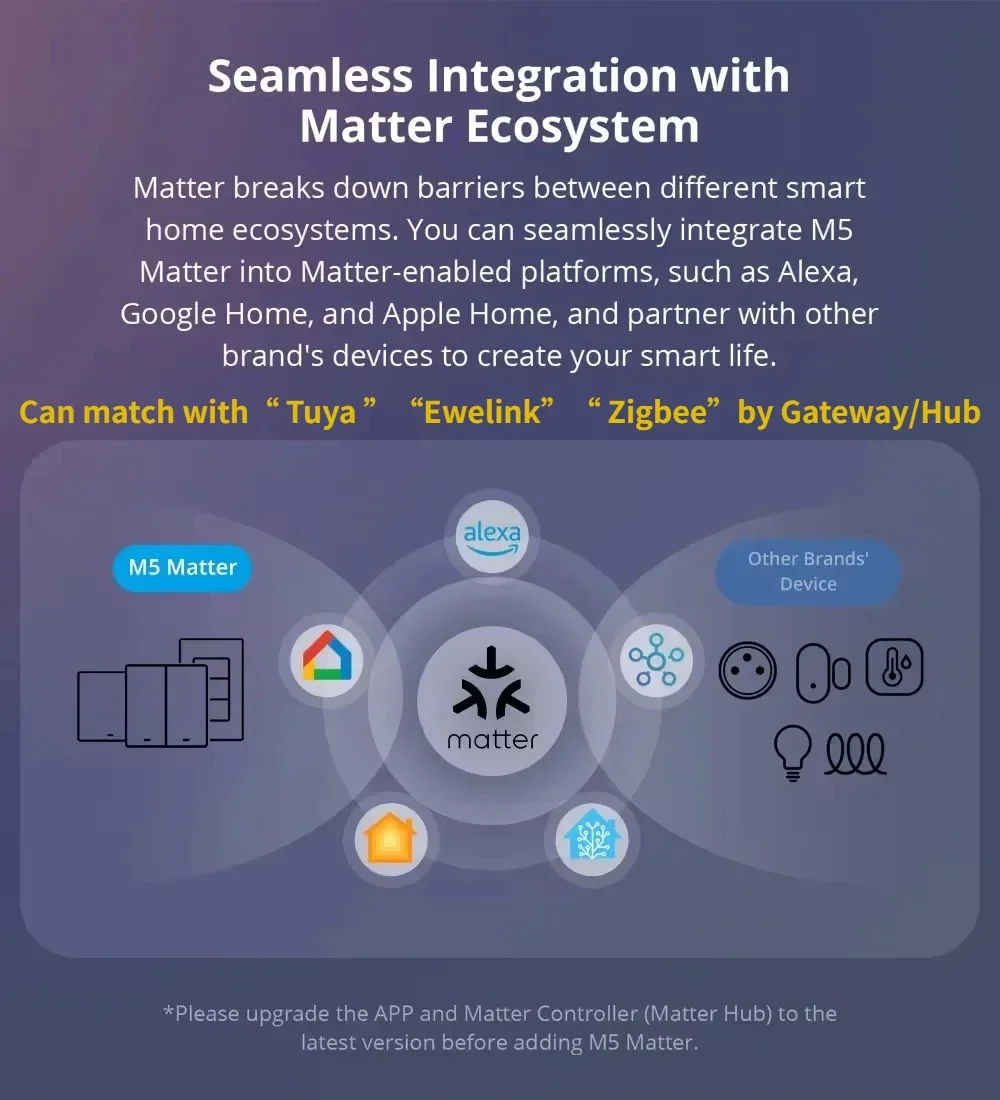
  • Wide Ecosystem Compatibility: Fully works with Google Home, SmartThings, Apple Home App/HomePod Mini, Alexa App/Echo, and uHome+ App. Certified by CSA, ensuring seamless binding and control across all major smart home platforms.
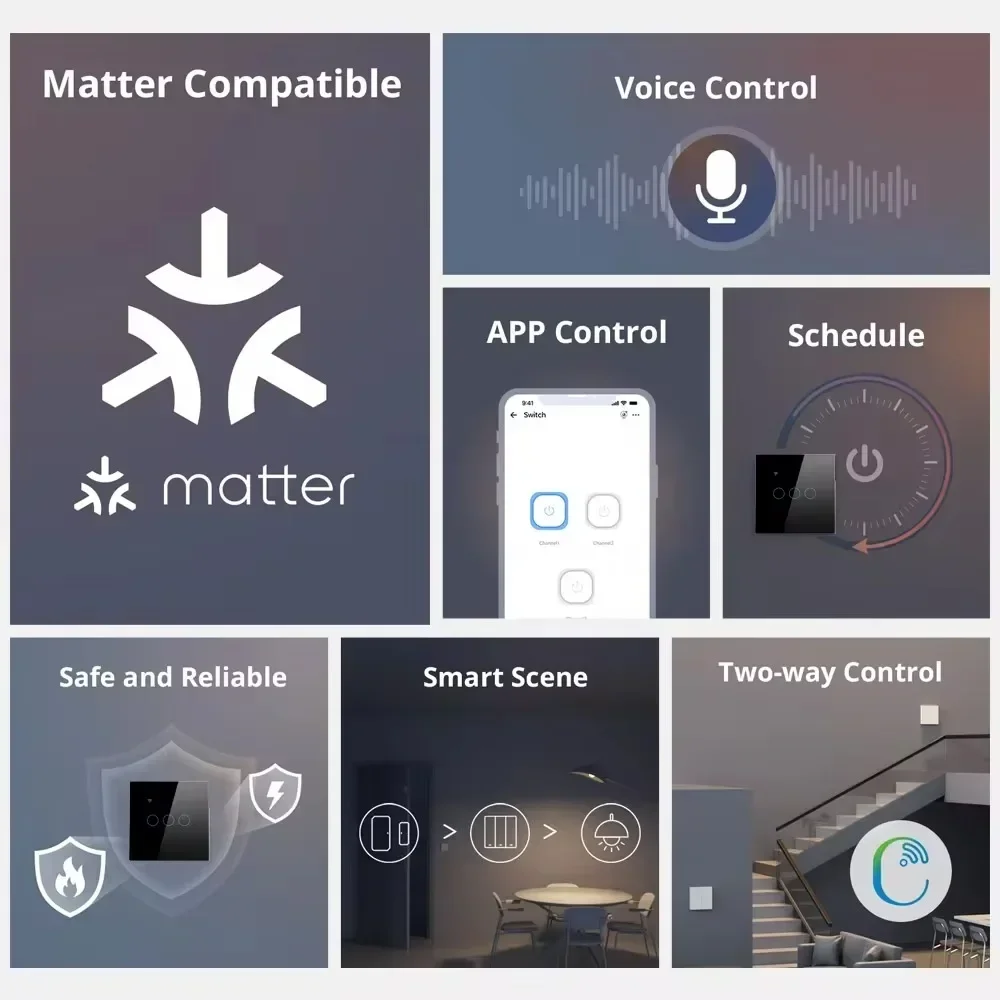
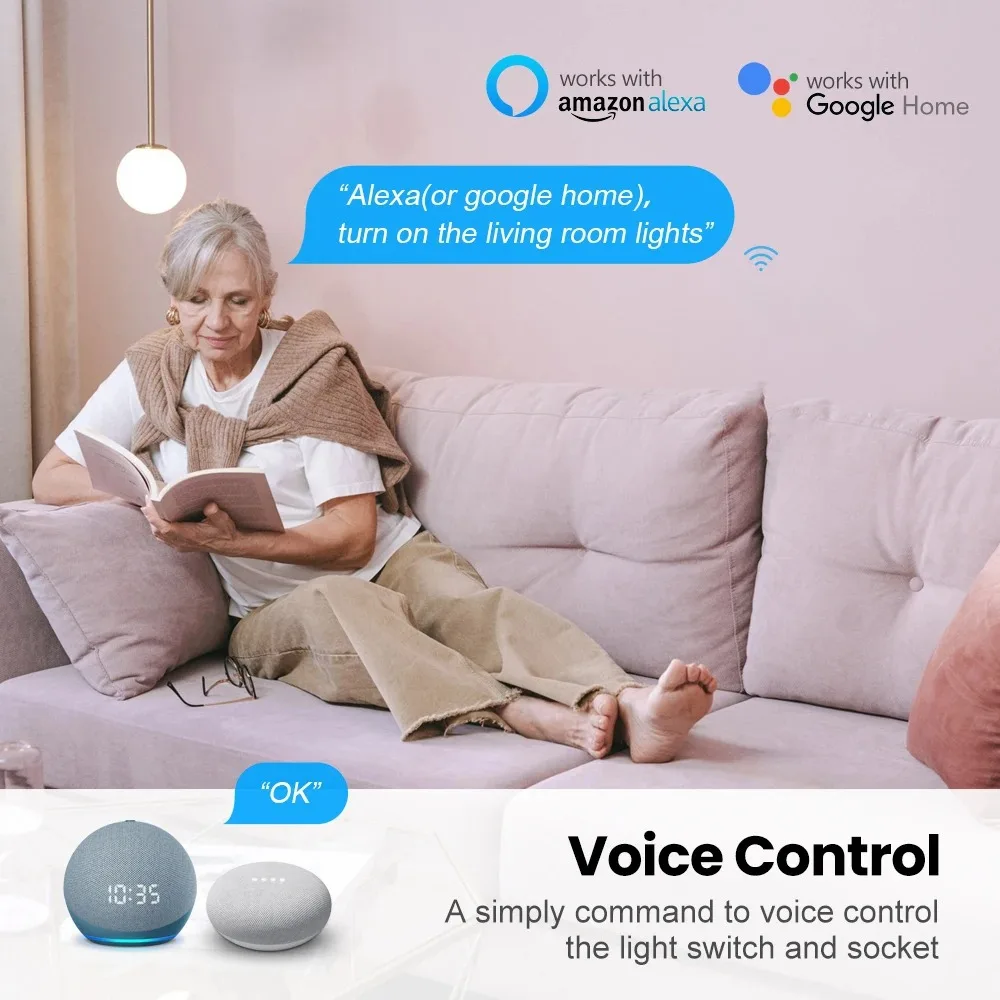
  • Hands-Free Voice Control: Control your lights effortlessly with voice commands via Alexa, Siri, or Google Assistant. Turn lights on/off, adjust brightness (if supported), or change colors (if supported) with simple phrases like “Alexa, turn on the living room light.”
  • Multi-App Remote Control: Manage your switch anytime, anywhere through uHome+, Alexa, Apple Home, Google Home, or SmartThings App—no need to download multiple manufacturer apps. Control switching, brightness, and color (if applicable) with a single tap.
  • Luxury & Durable Design: Crafted with PC V0 fireproof material and a tempered glass panel, featuring large physical push buttons for easy manual control. Its minimalist style complements any interior decor, blending functionality with elegance for bedrooms, living rooms, and more.
  • Easy DIY Installation: Fits standard US wall boxes, designed for straightforward DIY setup. Connects directly to your home’s 2.4GHz WiFi network—no professional electrician needed (neutral wire required).
  • Timer & Group Control: Set smart timers to auto-turn lights on/off for daily scheduling, enhancing convenience and energy efficiency. Support group control to manage multiple switches at once, creating the perfect ambiance for any occasion.
  • Simple Setup with Matter: Skip the hassle of multiple app downloads and registrations. Use your preferred certified smart home app (Apple Home, Google Home, etc.), scan the Matter QR code or enter the 11-digit short code, and start controlling in minutes.

Product Specifications

Parameter
Details
Type
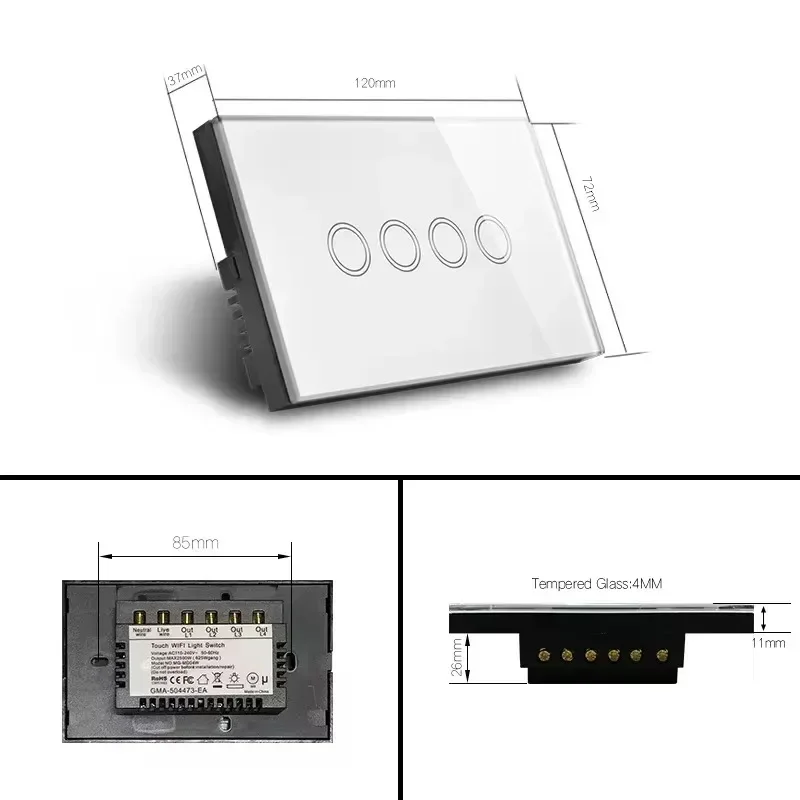
1/2/3/4 Gang Touch Wi-Fi Switch
Material
PC V0 fireproof + tempered glass panel
Rated Voltage
AC 100V-240V
Wi-Fi Standard
2.4GHz, IEEE 802.11 b/g/n
Supported Systems
iOS
Wireless Power Consumption
<0.3W
Security Mechanism
WPA-PSK/WPA2-PSK

How to Set Up Your Smart Switch

Each device comes with a unique Matter QR code and 11-digit short code for quick pairing. Choose your preferred app below to start setup:

1. Setup via uHome+ App

  1. Download the uHome+ App from the App Store.
  2. Reset the switch to factory settings (press and hold the button for 5-10 seconds until the indicator blinks 3 times).
  3. Open the uHome+ App, tap the “+” icon in the top-right corner, then scan the device’s QR code or enter the 11-digit short code to complete pairing.

2. Setup via Apple Home App

Environment Requirements

  • iPhone iOS ≥ 16.2
  • Matter control hub (HomePod, HomePod Mini, or Apple TV)
  • 2.4GHz WiFi network (password cannot be blank or hidden)

Setup Steps

  1. Put the switch into pairing mode (factory reset).
  2. Open the Home App, tap “+” → “Add or Scan Accessories”.
  3. Scan the QR code or tap “More Options” → “My Accessories” → “Enter Code” to pair, then follow on-screen prompts.

3. Setup via Alexa App

Environment Requirements

  • Alexa App ≥ v2.2.491118.0
  • Matter control hub (Echo/Echo Dot 3rd-5th Gen, Echo Show 1st-3rd Gen, etc.)

Setup Steps

  1. Put the switch into pairing mode (factory reset).
  2. Open the Alexa App, tap “+” → “Add Device” → “Other” → “Connect your Matter Device”.
  3. Scan the QR code or enter the short code to complete addition.

4. Setup via Google Home App

Environment Requirements

  • Install the Google Home App
  • Matter control hub (Google Nest Audio, Nest Hub, Nest Mini, etc.)

Setup Steps

  1. Open Google Home App, tap “+” → “Set up device” → “New device”.
  2. Follow on-screen prompts, scan the QR code or enter the short code to add the switch.
  3. Set the device’s room location and name after successful pairing.

5. Setup via Samsung SmartThings

Environment Requirements

  • SmartThings App ≥ v1.8.01.22
  • Matter control hub (SmartThings Station or SmartThings Hub)

Setup Steps

  1. Put the switch into pairing mode (factory reset).
  2. Open SmartThings App (bound to your hub), tap “+” → “Scan QR code” or “Enter setup code”.

Device Sharing Across Ecosystems

Easily share your Matter switch across different smart home ecosystems with simple steps:
  • uHome+ Sharing: Go to device settings → “Device Sharing” to get the sharing code/QR code. Use another ecosystem’s app to scan/enter the code.
  • Google Home Sharing: Long-press the device → gear icon (settings) → “Connected Matter Applications and Services” → choose sharing method (code/QR).
  • Alexa Sharing: Enter device interface → gear icon → “Other Assistants and Apps” → “Add Another”.
  • Apple Home Sharing: Swipe down on device control page → turn on pairing mode to get the sharing code.
  • SmartThings Sharing: Device control page → three dots → “Share with Other Services” → “QR code”.
To accept shared devices: Put the device into sharing mode (per the above steps), then follow the setup guide for your ecosystem to add the device.

FAQs & Troubleshooting

1. Can’t find the Matter pairing entrance in Google’s iOS App?

Currently, the Matter pairing function is only available on the Android version of the Google Home App; the iOS version is not yet supported.

2. Why fails to configure the network?

  • Ensure your phone and smart hub/speaker are on the same 2.4GHz WiFi network.
  • Check that your router does not have AP isolation enabled, and the WiFi is 2.4GHz (not 5GHz).
  • iPhones cannot pair with WiFi networks with blank passwords or SSIDs containing spaces.
  • Restart your hub/speaker if it’s been idle (may be in dormant mode).
  • If your WiFi password changed, reset your hub/speaker and reconfigure its network settings.

3. Can’t re-enter sharing mode after exiting?

Apple (5 minutes) and Alexa (15 minutes) have time limits for single sharing sessions. If the time limit expires, turn the switch’s power on/off, wait for it to reconnect, then restart sharing.