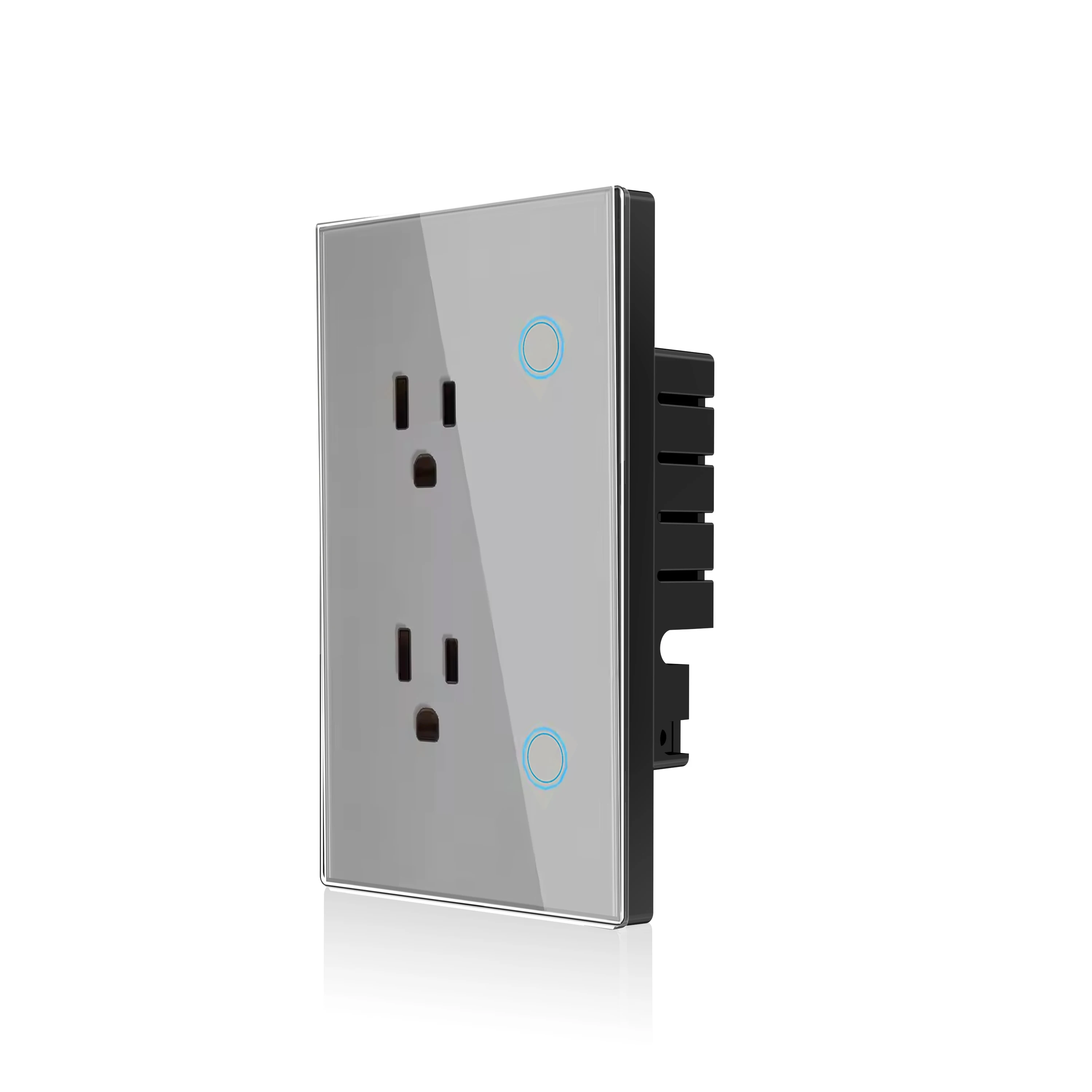
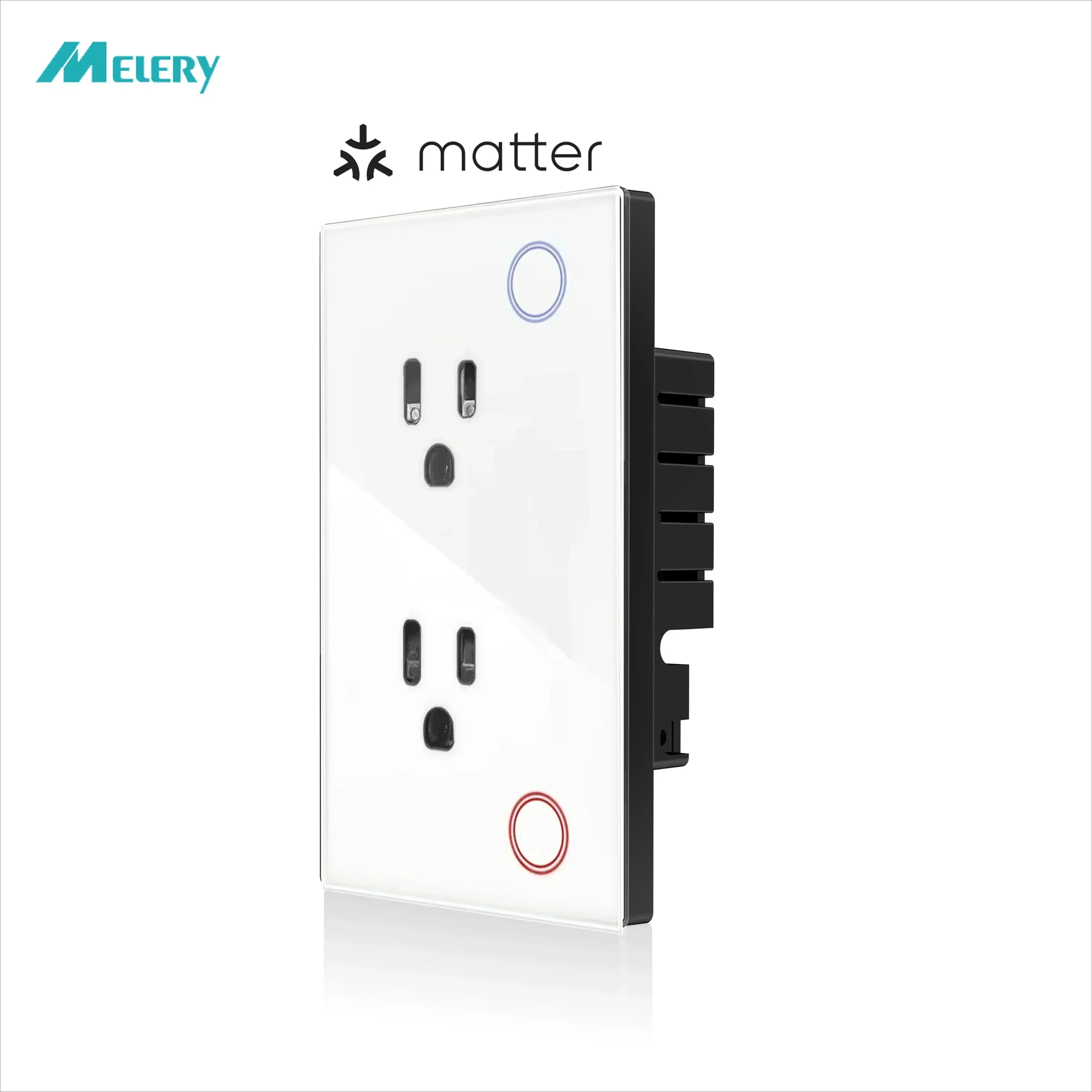
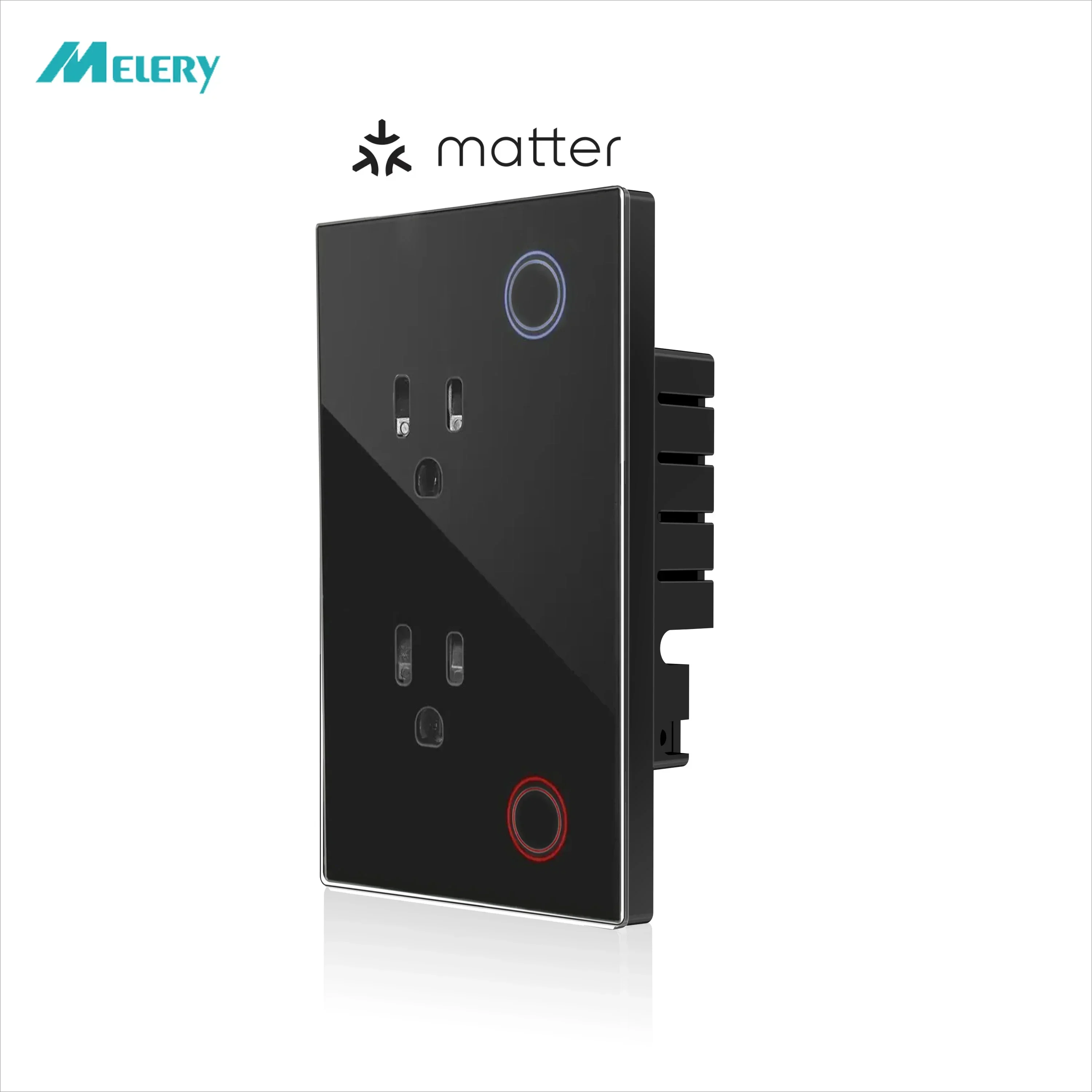
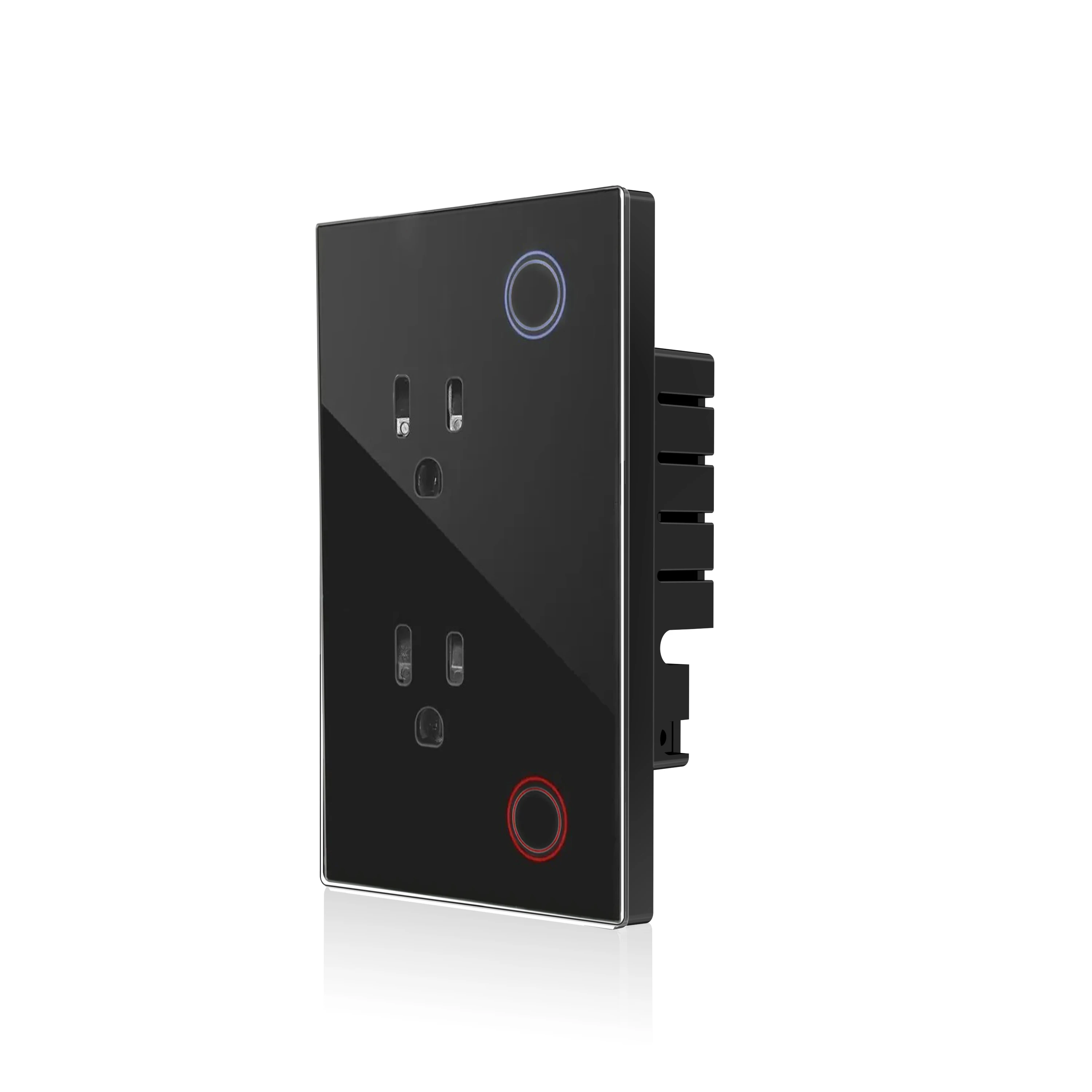
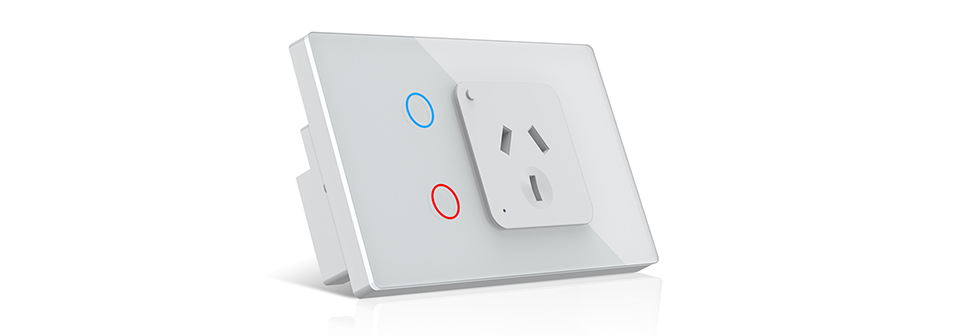
Smart Wall Socket Switch Outlet Plug Works with Amazon Alexa Echo, Google Assistant
Product Overview
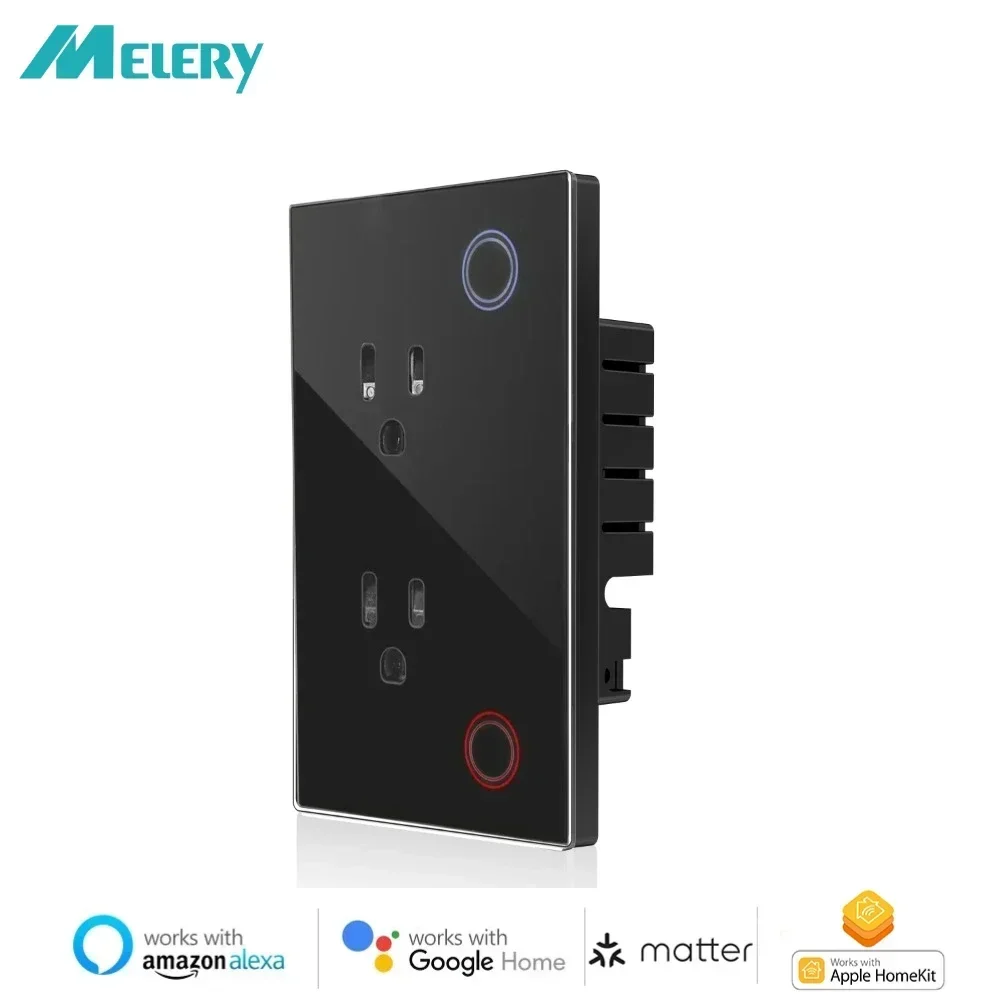
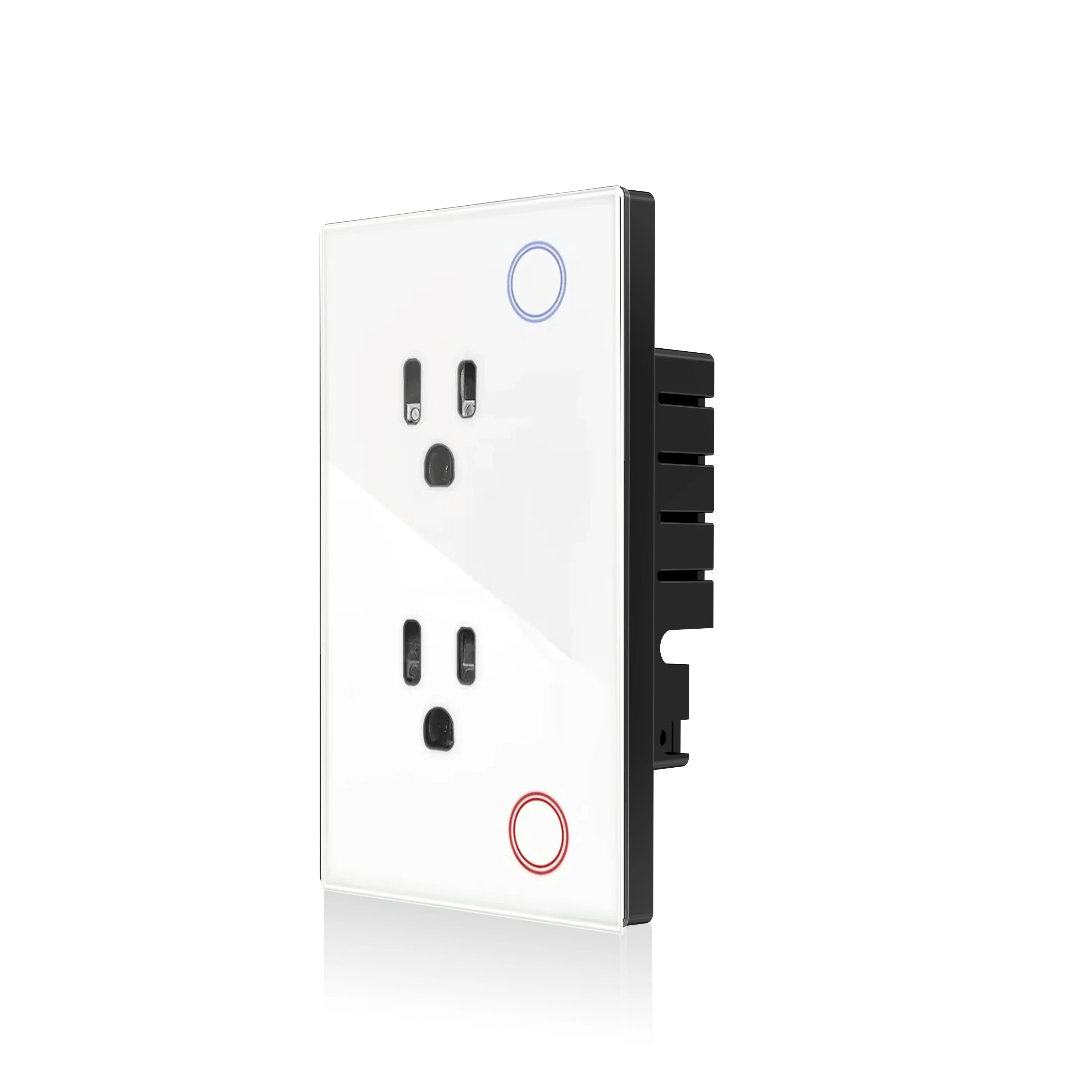
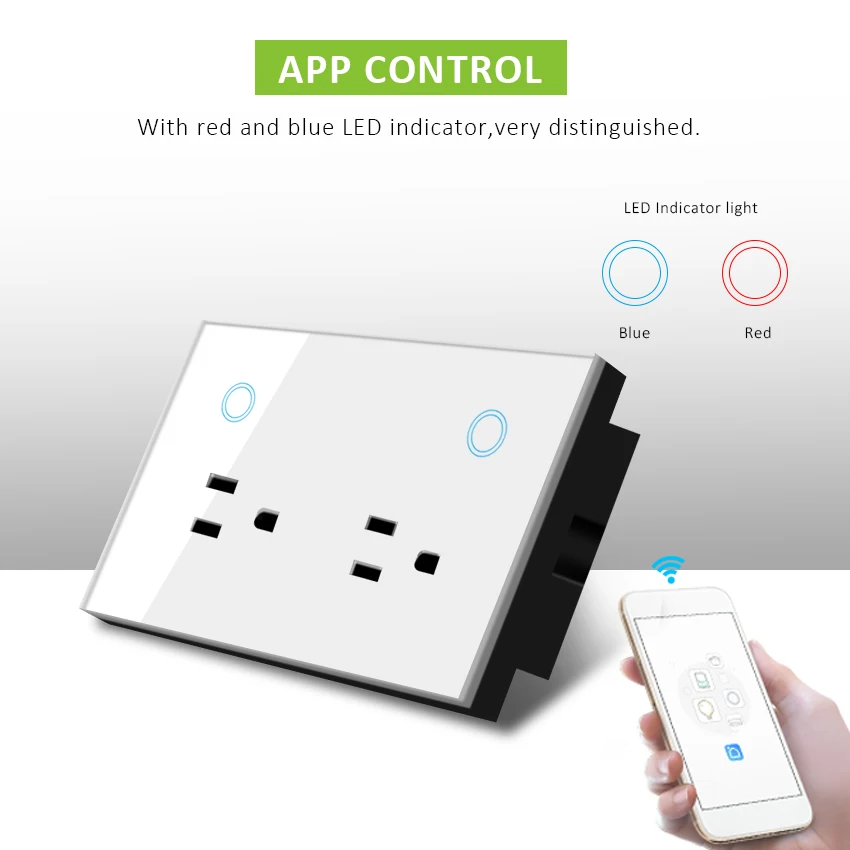
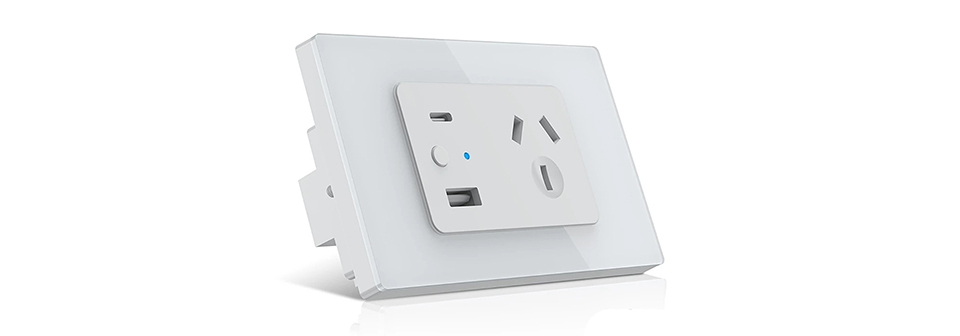
Introducing our Melery Matter over WiFi Smart Wall Socket – a seamless blend of convenience, compatibility, and safety. Built with the Matter protocol and 2.4GHz WiFi connectivity, this smart wall socket lets you control your home appliances effortlessly via voice, app, or manual operation. No complicated setup, no extra hubs (except for required Matter control hubs for specific platforms), and perfect integration with all major smart home ecosystems. Its sleek design complements any interior, making it an essential addition to your smart home.
Product Parameters
|
Specification
|
Details
|
|
Color
|
White/Black
|
|
Size
|
(L) 120*(W)72*(H)38mm
|
|
Weight
|
191g
|
|
Material
|
PC+Glass Panel
|
|
Voltage range
|
90-250V AC
|
|
Max current
|
15A each
|
|
Wireless frequency
|
2.412~2.484GHz
|
|
Wireless IEEE standards
|
IEEE802.11b/g/n
|
|
Security type
|
WEP61/WEP/128/TKIP/CCMP(AES)
|
|
Security mechanism
|
WEP/WPA-PSK/WPA2-PSK
|
|
Wireless consuming
|
<=0.3W
|
|
Working condition
|
Temp: -30~60 degree
|
Core Features
1. Matter Protocol & WiFi Connectivity
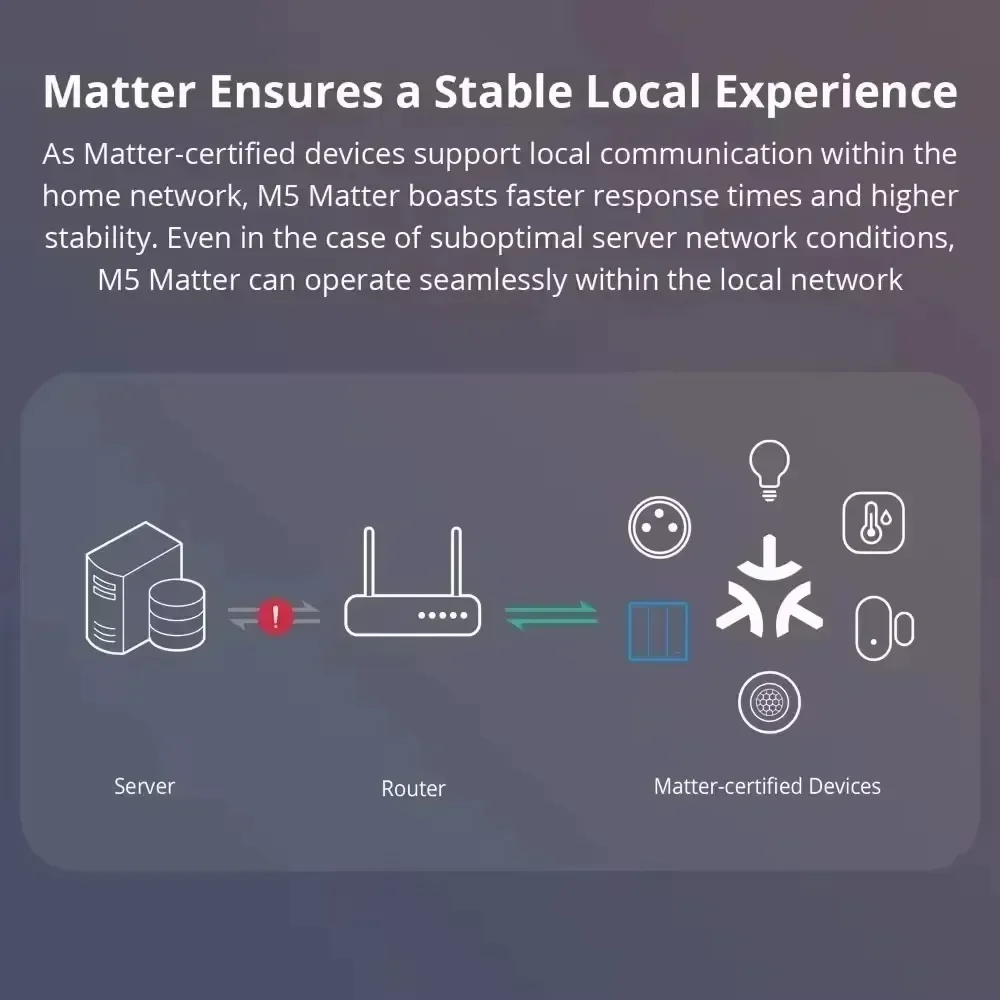
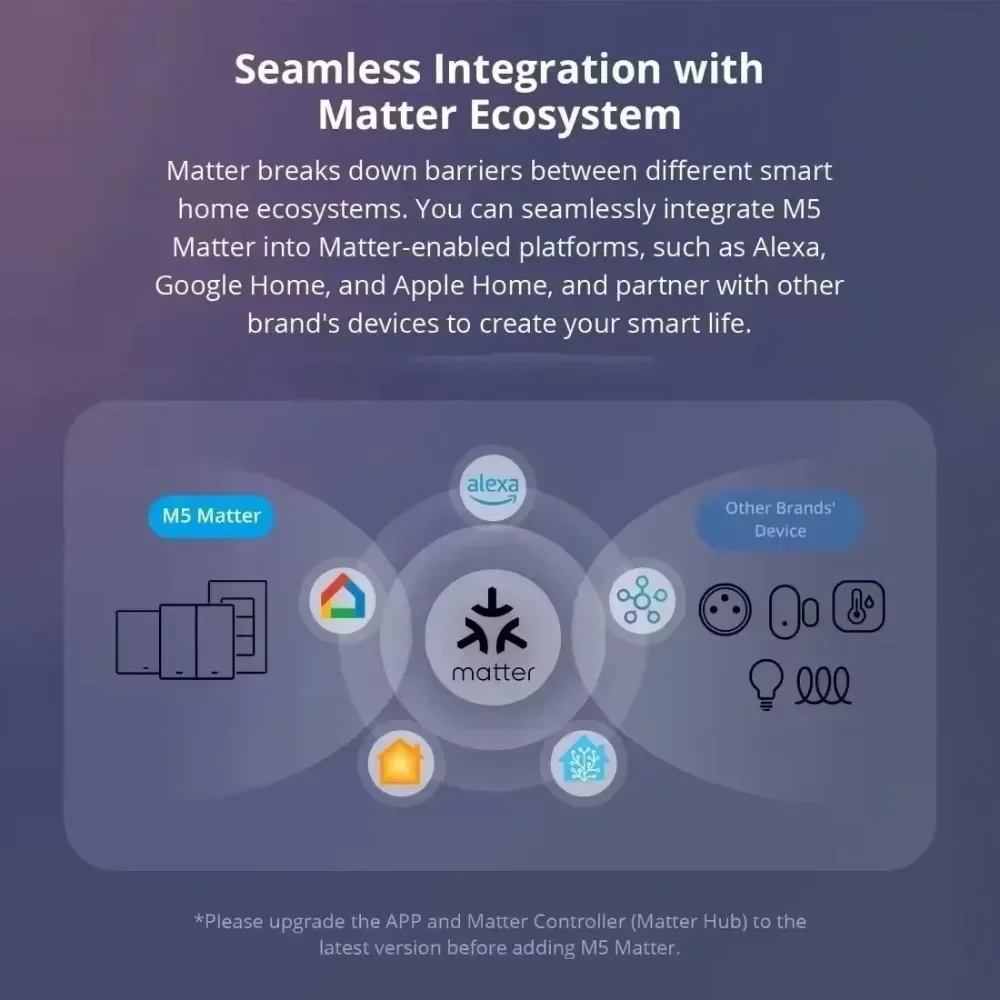
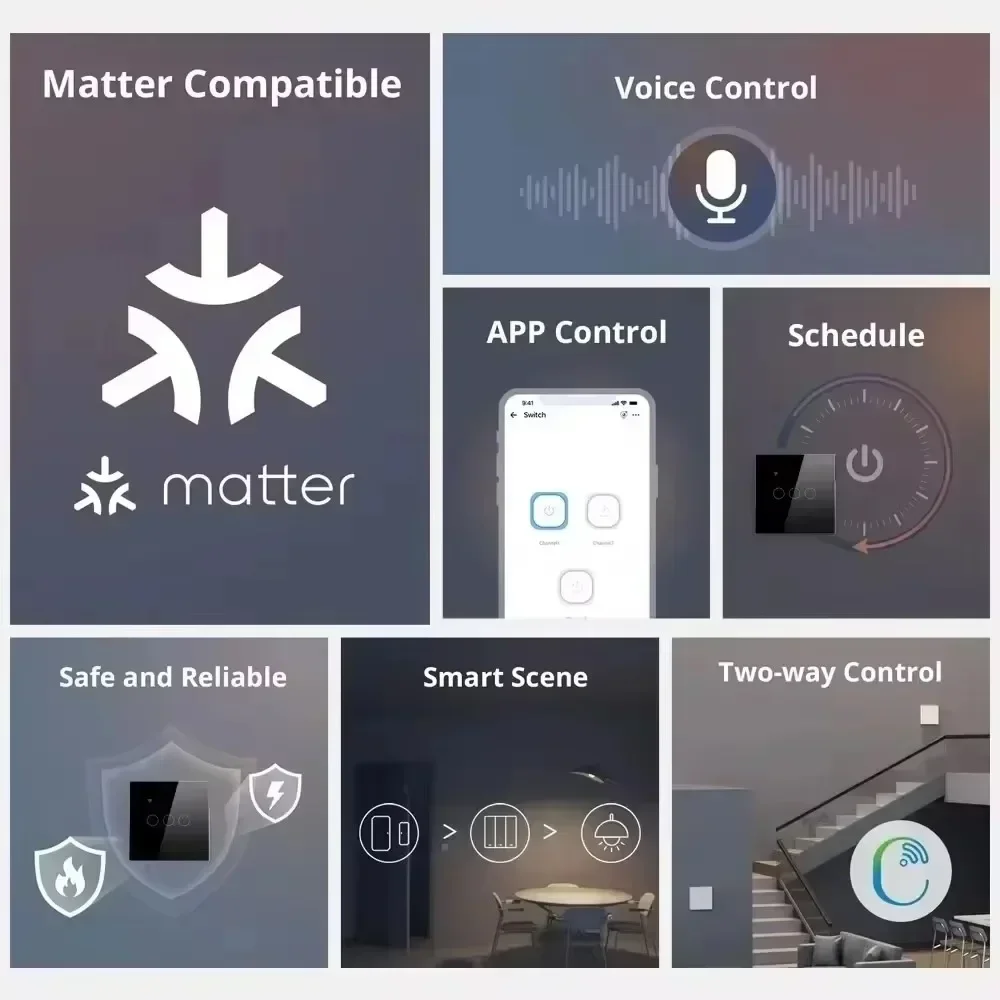
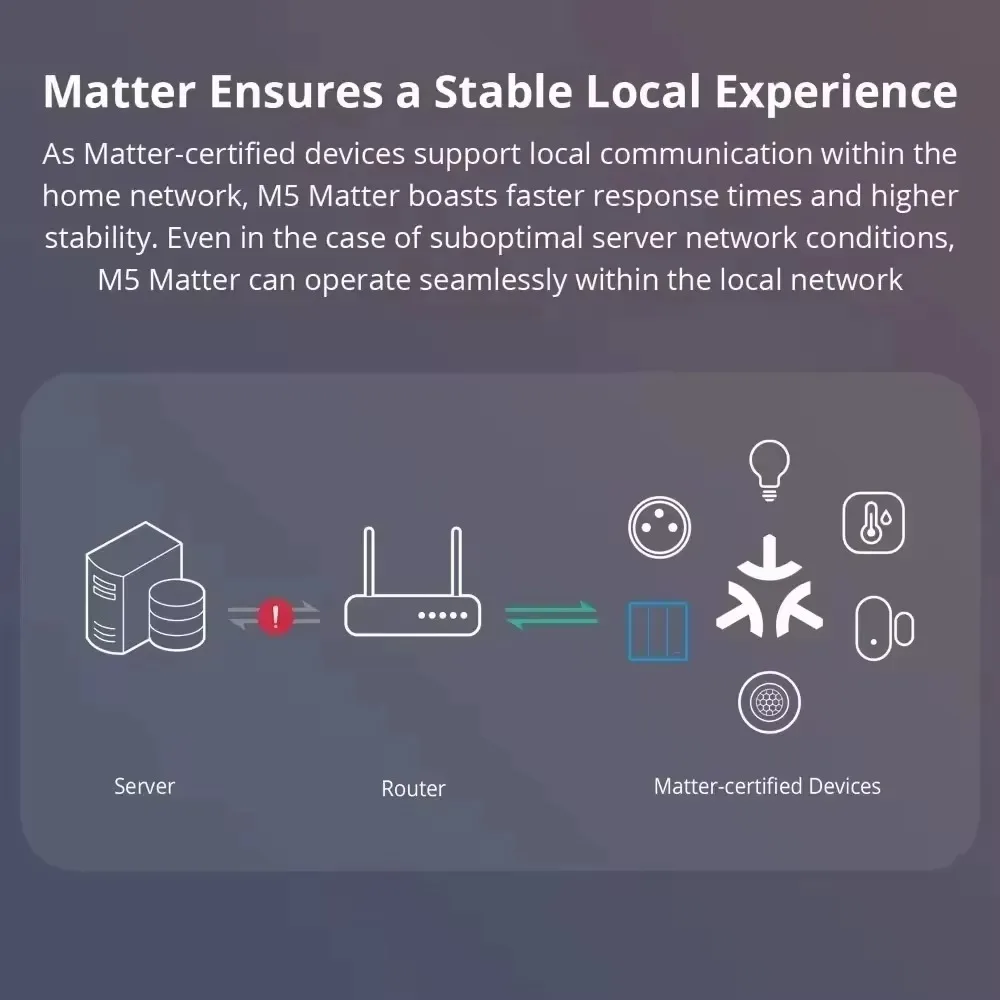
Equipped with the universal Matter protocol and 2.4GHz WiFi connection, this smart wall socket eliminates the hassle of multiple apps and incompatible devices. Connect directly to your home WiFi network (2.4GHz only) and enjoy seamless control across all Matter-certified platforms. Skip the step of downloading and registering multiple manufacturers' apps – control all your Matter devices through your preferred smart home app.
2. Voice Control
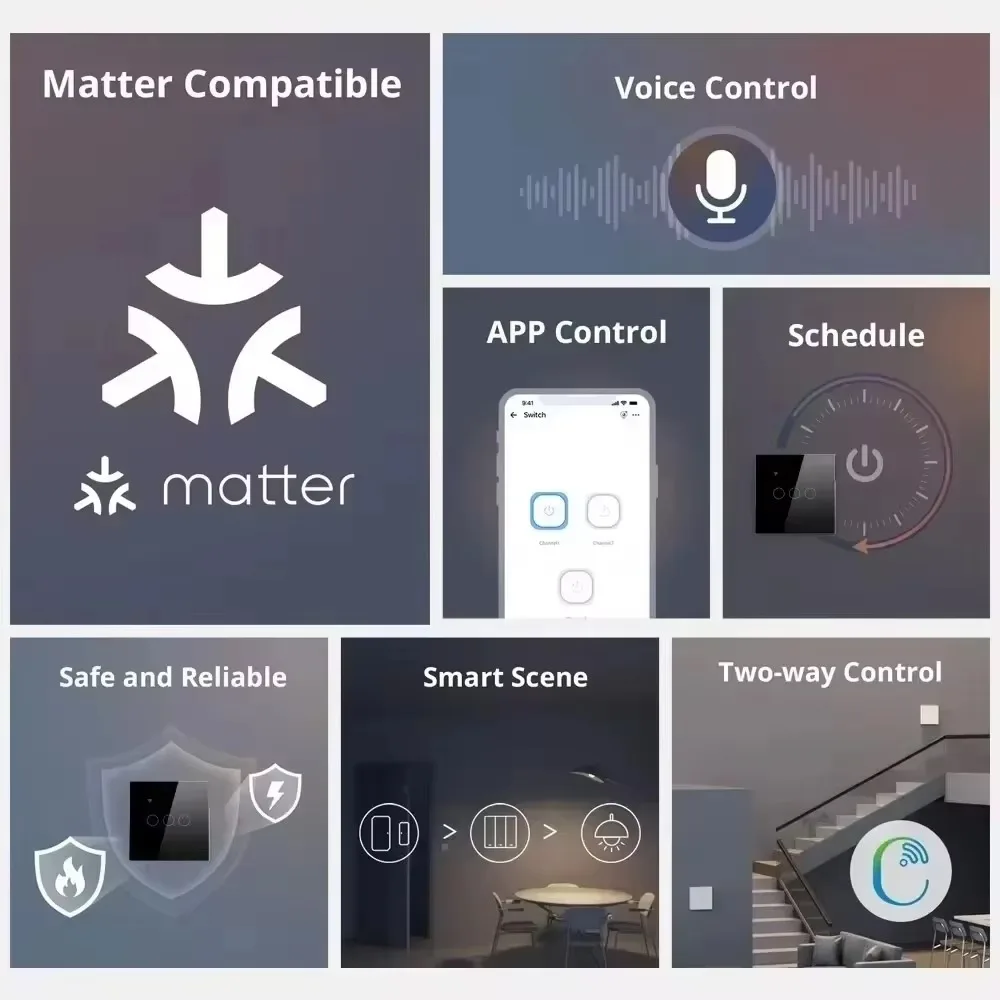
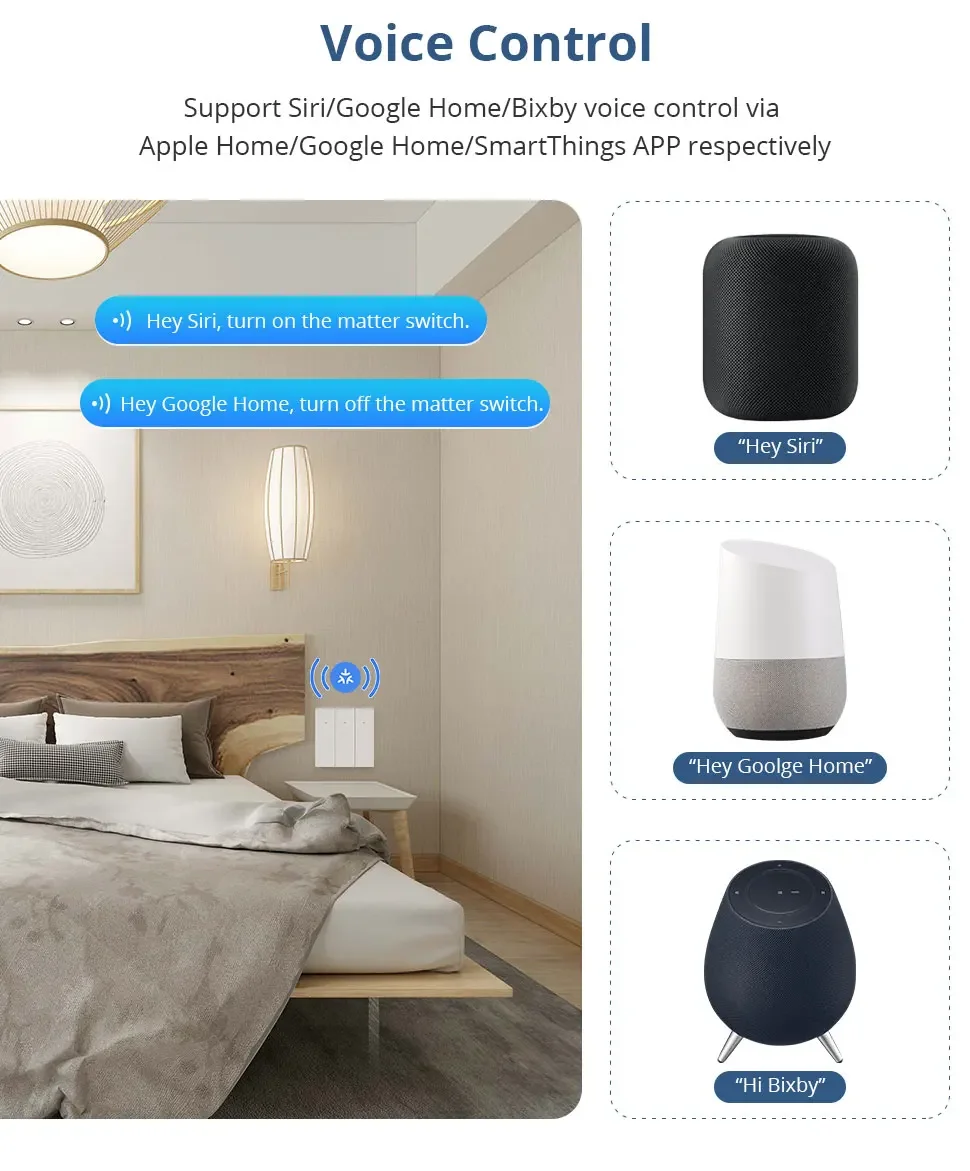
Achieve hands-free control with major voice assistants. Compatible with Alexa, Siri, Google Assistant, and other Matter-certified speakers. Simply speak commands like "Alexa, turn on the bedroom lamp" or "Hey Google, turn off the coffee maker" – your home will respond instantly. Perfect for when your hands are full or you’re across the room.
3. Multi-App Control
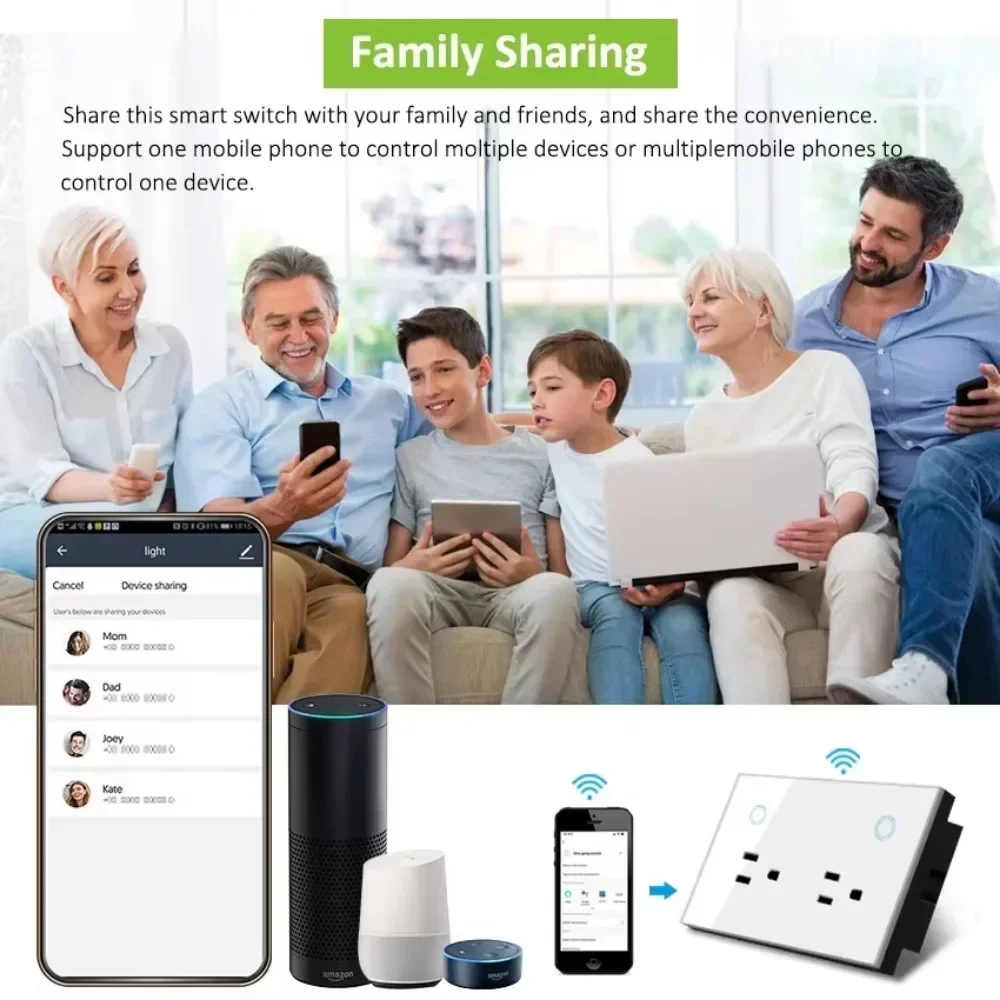
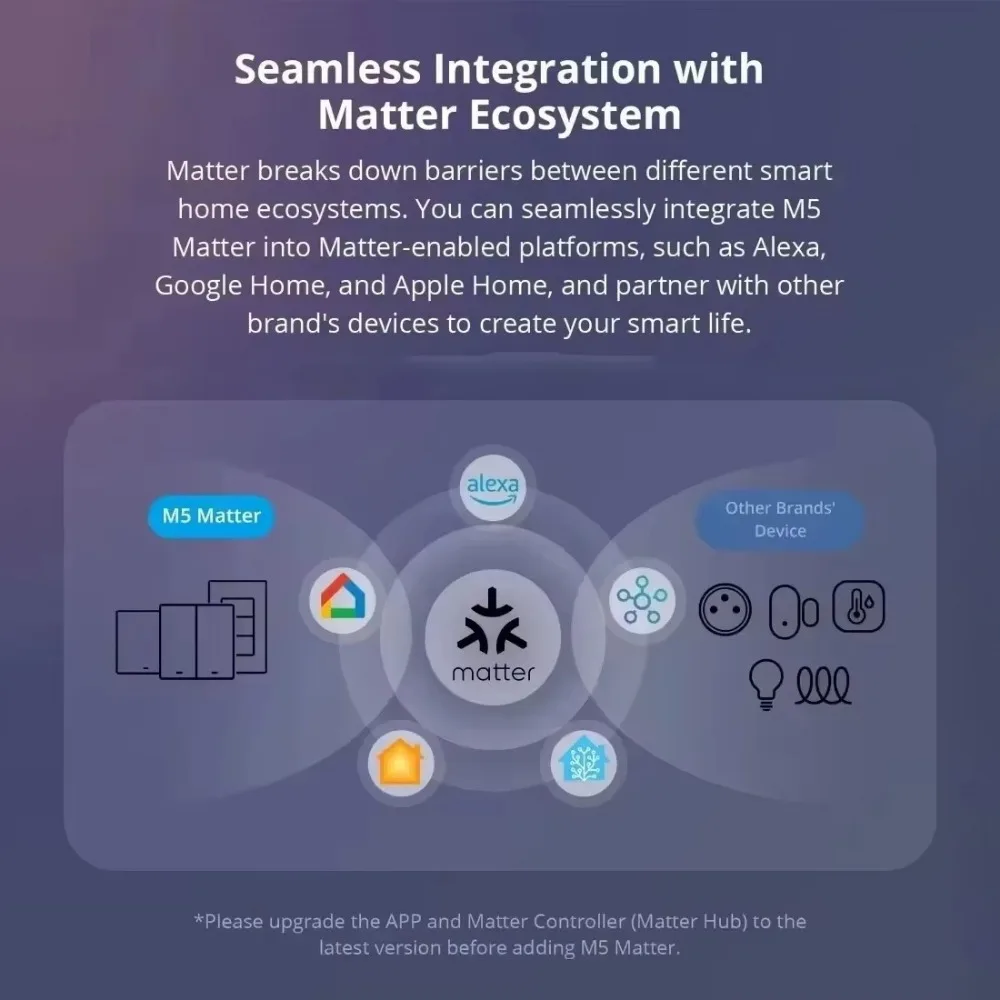
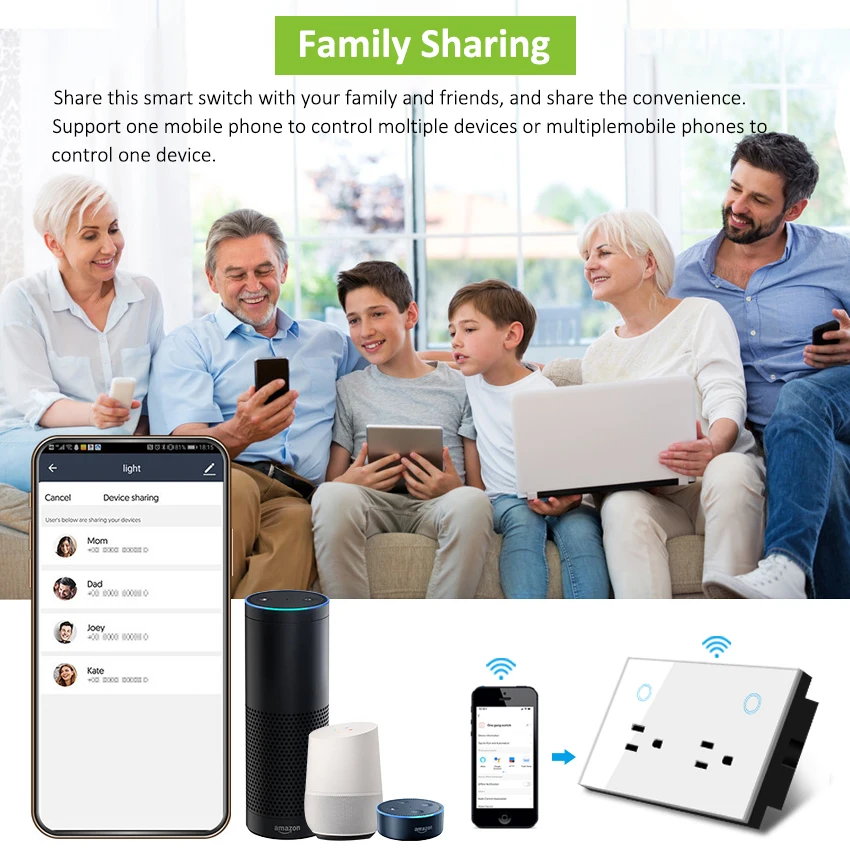
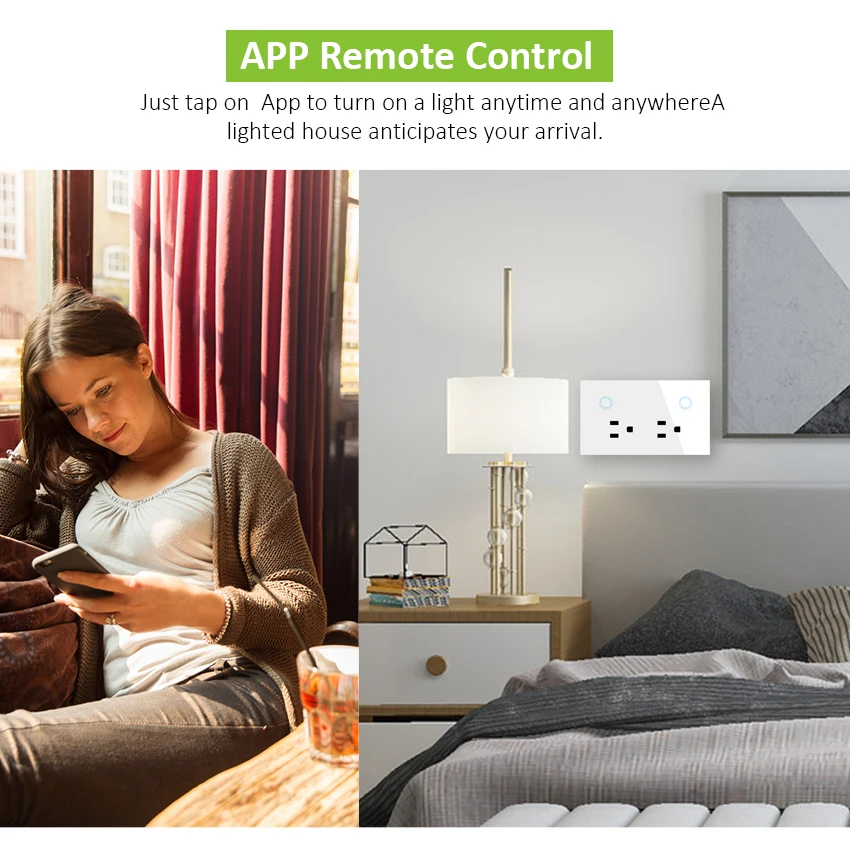
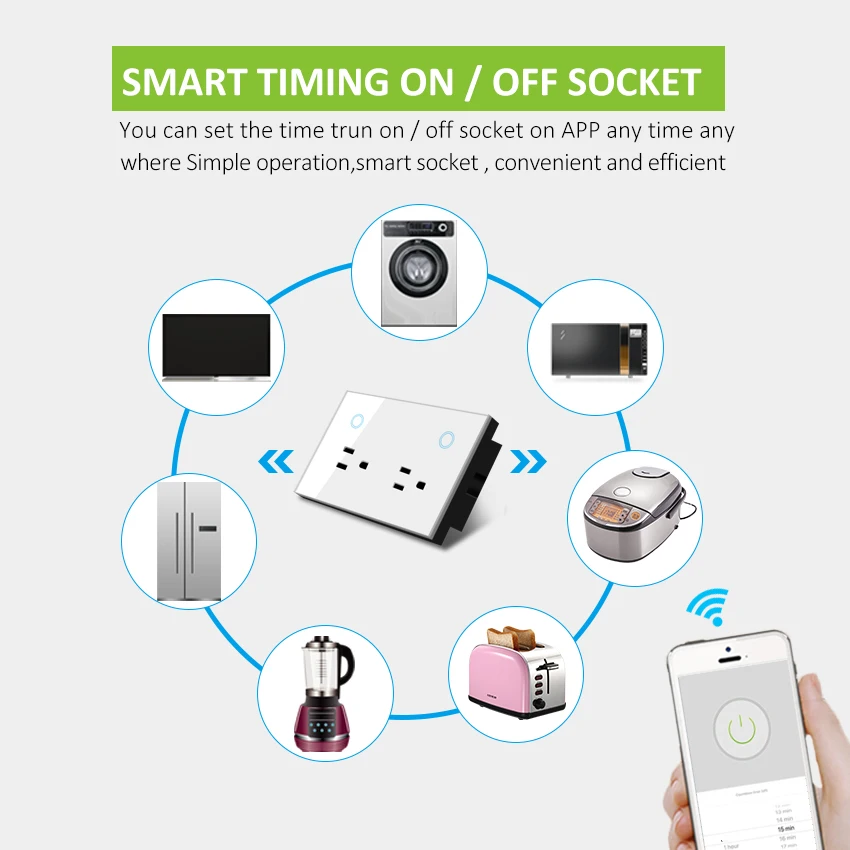
Control your smart socket anytime, anywhere via multiple apps: uhome+, Alexa, Apple Home, Google Home, SmartThings, or any other app integrated with the Matter SDK. After successful WiFi/network configuration, you can easily turn devices on/off, set timers, and manage settings directly from your phone – even when you’re away from home.
4. Easy Setup & Group Control
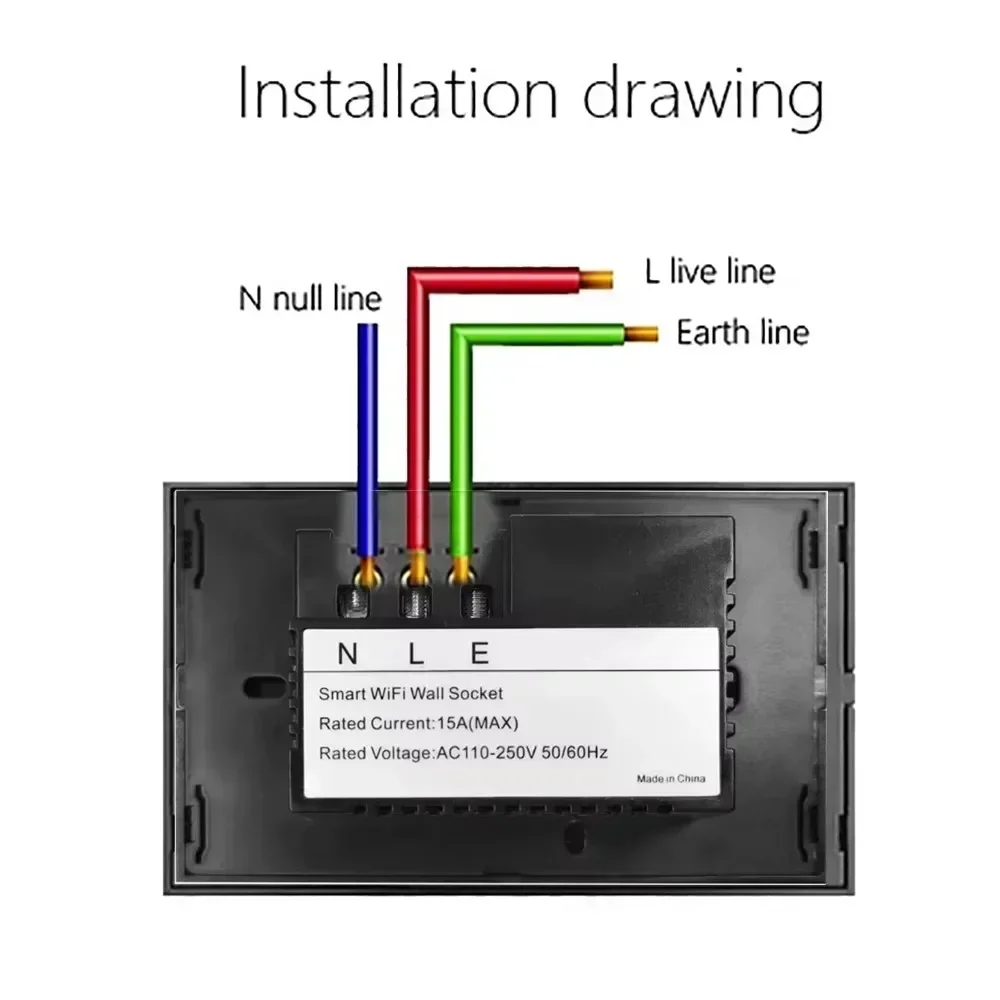
Designed for DIY installation – fits into standard wall boxes and connects to your home 2.4GHz WiFi network in minutes. Works with Apple HomeKit: just scan the HomeKit code to integrate, no extra apps needed. Support group control: pair multiple smart sockets and control them all with a single command or app tap, creating customized scenes for your daily life (e.g., "Good Night" to turn off all bedroom devices).
5. Timer Setting
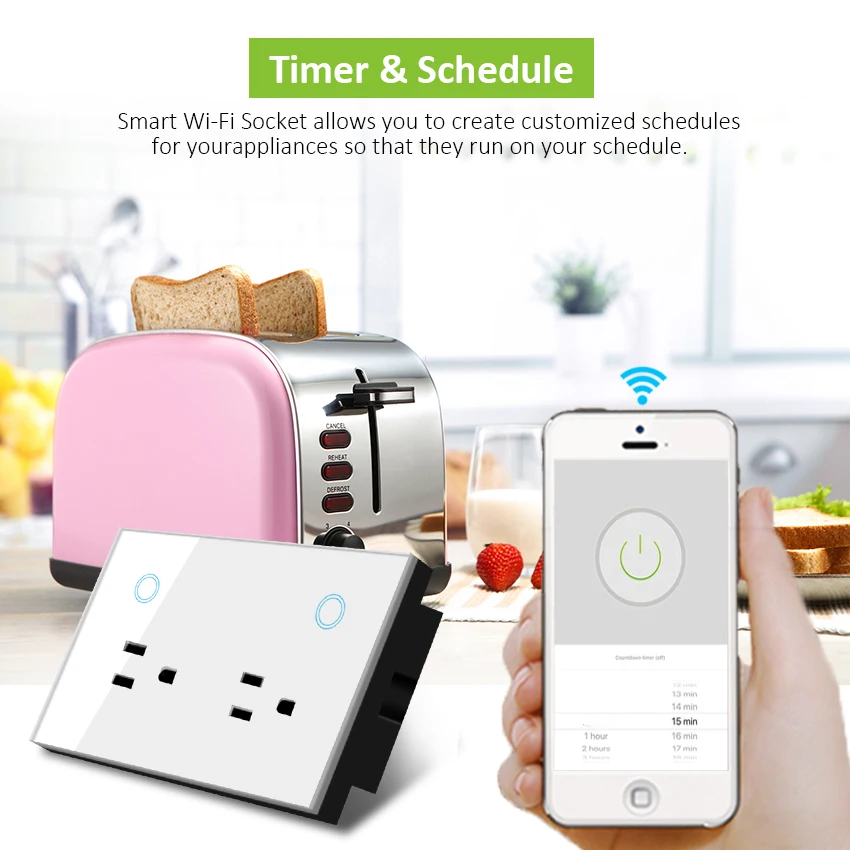
Built-in intelligent timer function: set a specific time for the socket to automatically turn on/off. Ideal for daily scheduling – wake up to a brewed coffee, turn off lights automatically at bedtime, or power on/off appliances to save energy. Brings convenience and a more comfortable, intelligent lifestyle.
6. High-Quality & Sleek Design
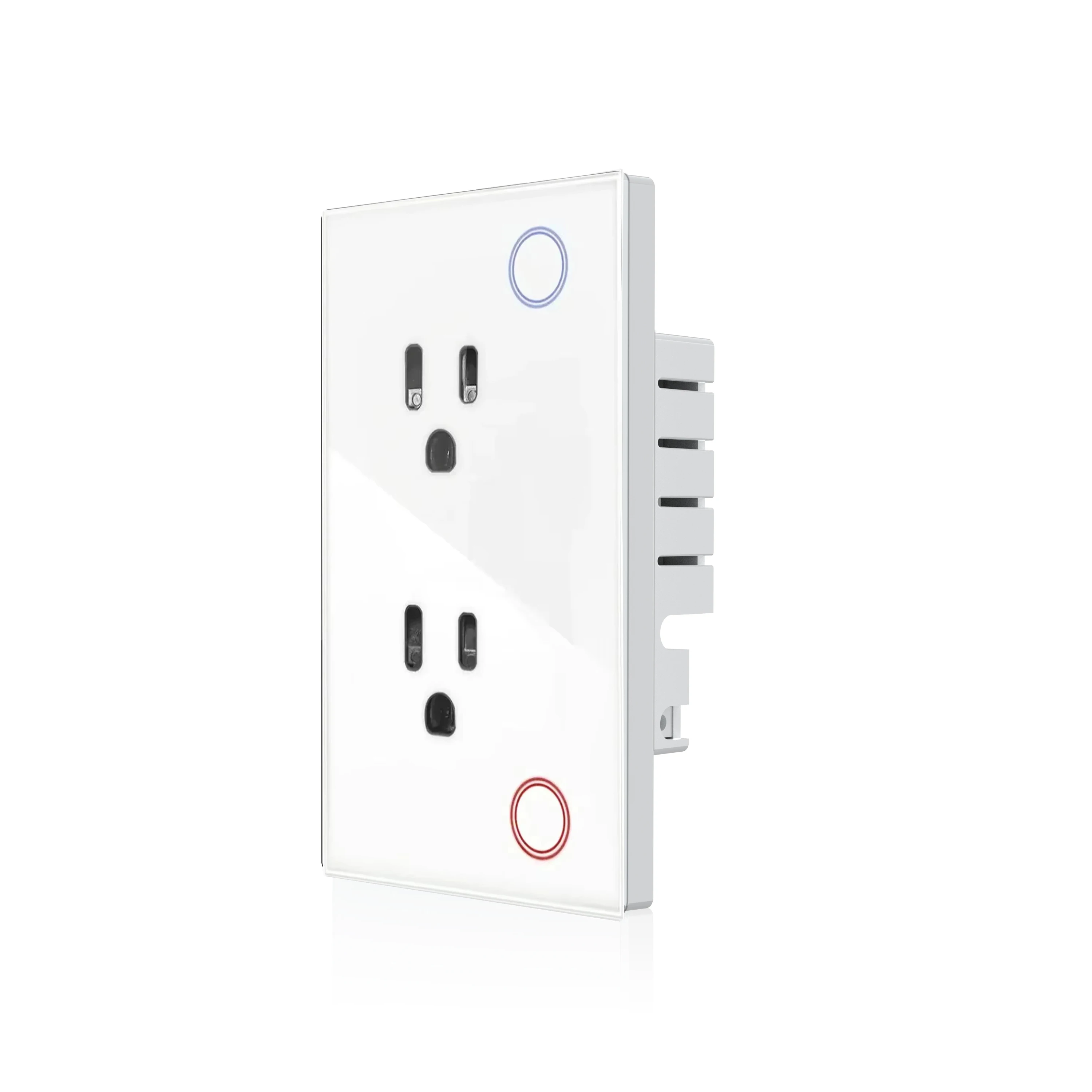
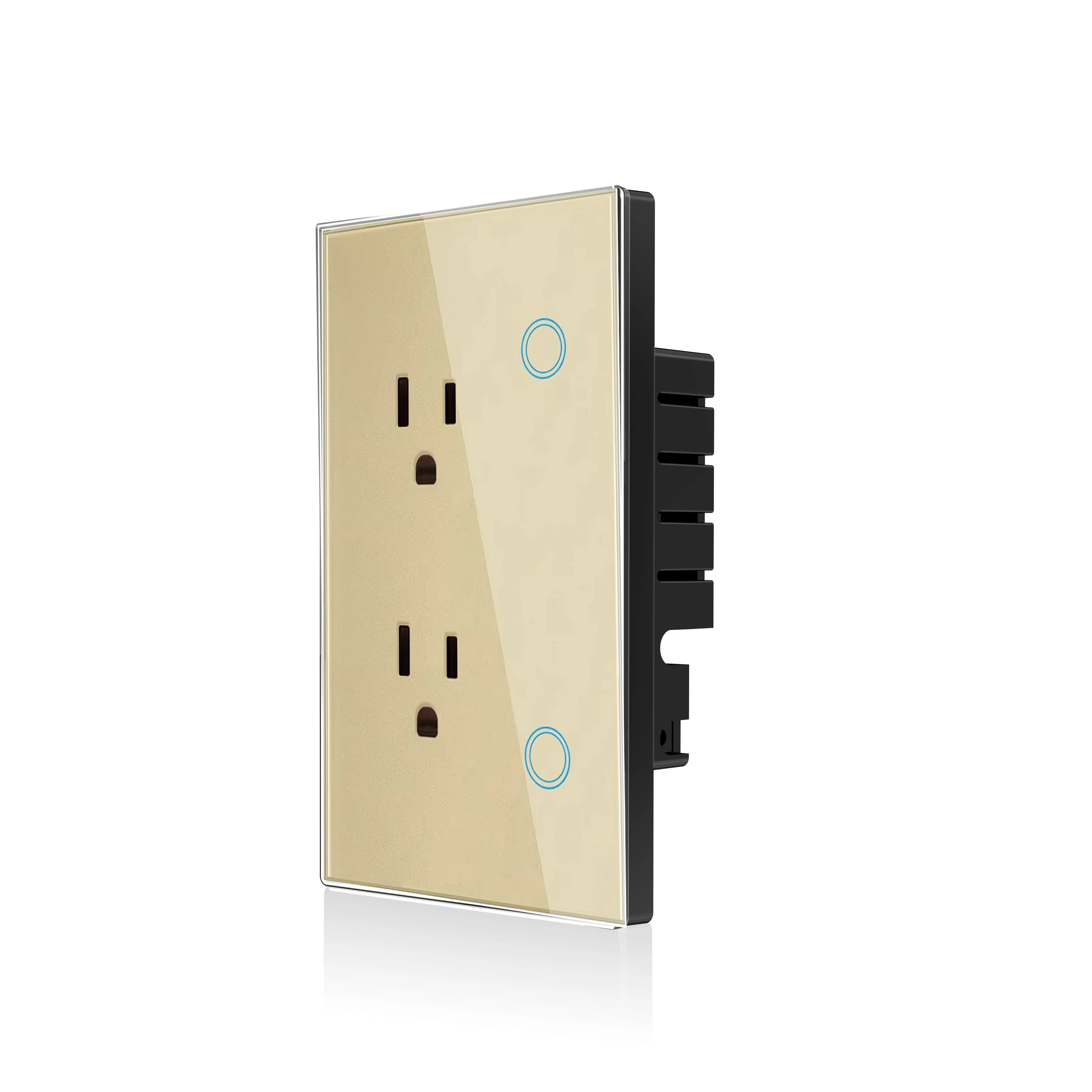
Made of high-quality PC+Glass Panel material, durable, safe and sleek. Features a large physical button for easy manual control, even when WiFi is unavailable. Its minimalist, luxury glass panel design complements any interior decor (bedroom, living room, kitchen, office), making it not just a functional device, but a stylish addition to your space.
7. Device Factory Reset
For sockets/switches: press and hold the button for 5-10 seconds to reset (indicator light will blink three times). Each device comes with a Matter QR code and an 11-digit short code – scan the QR code or enter the short code via your paired app to bind the device quickly.
Network Configuration Guide
Please ensure your device is in factory reset mode (network configuration state) before starting setup. Below are step-by-step guides for different apps:
1. Configuration via uHome+ App
-
Download the uHome+ app from the App Store or Google Play.
-
Restore the device to factory settings to enter network configuration mode.
-
Open the uHome+ app, click the "+" sign in the upper right corner of the homepage to enter the network configuration interface.
-
Click the icon in the upper right corner (marked in the app) to scan the device’s Matter QR code, or click "Enter Pairing Code" on the QR code scanning page to use the 11-digit short code for pairing. Follow the prompts to complete setup.
2. Configuration via Apple Home App
Environment Check
-
iPhone system version ≥ iOS 16.2
-
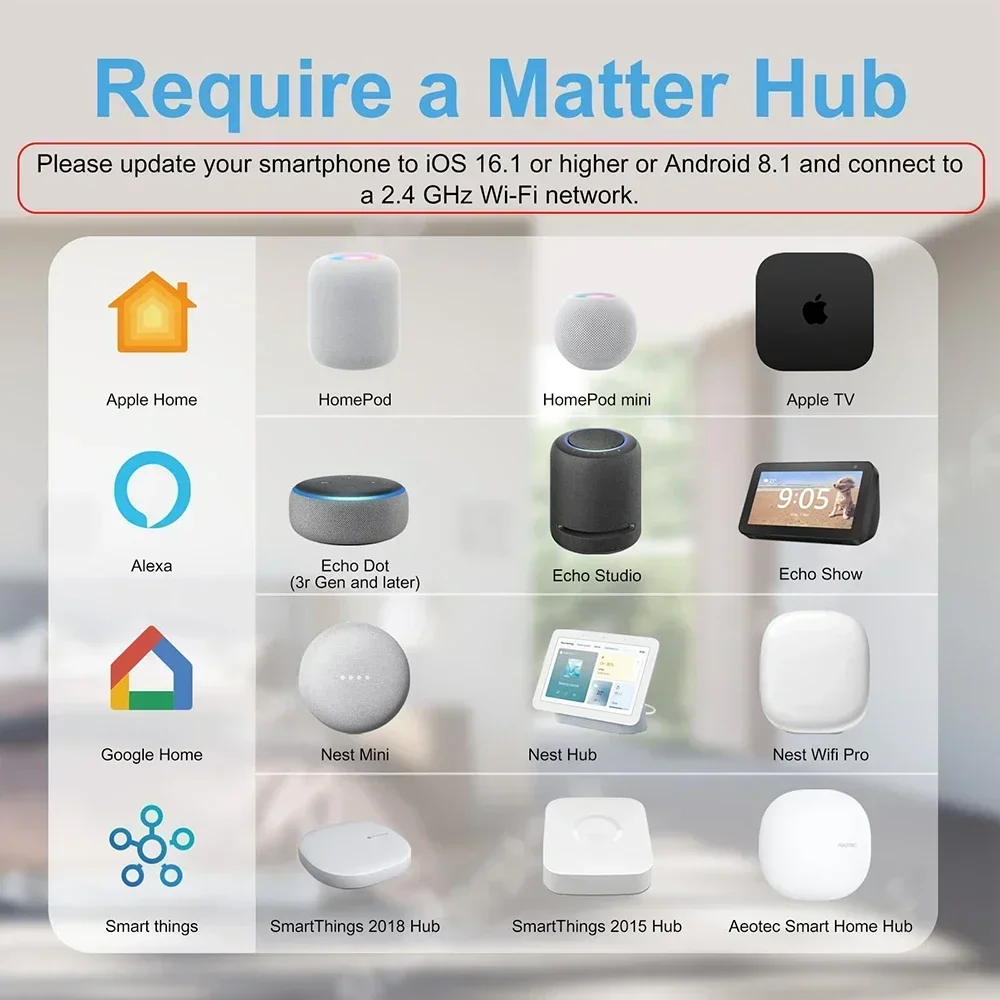
A Matter control hub is required: HomePod, HomePod mini, or Apple TV
-
Connect your iPhone to a 2.4GHz WiFi network (WiFi password cannot be blank, and WiFi cannot be hidden)
Setup Steps
-
Put the device into network configuration state.
-
Open the Home app, click the "+" sign on the homepage, then select "Add or Scan Accessories".
-
Scan the device’s QR code or enter the pairing code (click "More Options" → "My Accessories" → "Enter Code" to access the pairing code interface). Follow the on-screen prompts to add the device.
3. Configuration via Alexa App
Environment Check
|
Device
|
Compatible Versions
|
|
Echo/Echo Dot
|
5th Gen: Echo Dot, Echo Dot (Gen 5 with Clock); 4th Gen: Echo, Echo Dot, Echo Dot (Gen 4 with Clock); 3rd Gen: Echo, Echo Dot, Echo Dot (Gen 3 with Clock)
|
|
Echo Show
|
3rd Gen: Echo Show 10, Echo Show 15; 2nd Gen: Echo Show 8, Echo Show 5; 1st Gen: Echo Show, Echo Show 8
|
Setup Steps
-
Put the device into network configuration state.
-
Open the Alexa app, click the "+" sign on the homepage, select "Add Device" → "Other" → "Connect your Matter Device".
-
Choose to pair via QR code or enter the 11-digit short code, then follow the prompts to complete adding the device.
4. Configuration via Google Home App
Environment Check
-
Install the latest Google Home app
-
A Matter control hub is required: Google Nest Audio, Google Nest Hub, Google Nest Hub (2nd gen), Google Nest Hub Max, Google Nest Mini, or Nest WiFi Pro
Setup Steps
-
Open the Google Home app homepage, click the "+" sign, then select "Set up device" → "New device". Follow the app prompts to add the device.
-
After successful addition, set the device’s room location and modify its name as needed.
5. Configuration via Samsung SmartThings App
Environment Check
Setup Steps
-
Put the device into network configuration mode.
-
Log in to the SmartThings app, click the "+" sign in the upper right corner of the homepage, then select "Scan QR code" or "Enter setup code" to complete pairing.
Package Included
Why Choose Our Matter WiFi Smart Wall Socket?
-
Universal Compatibility: Matter protocol + WiFi connectivity, works with Alexa, Siri, Google Assistant, Apple Home, Google Home, SmartThings, and more.
-
Easy to Use: DIY installation, simple app/voice control, and manual operation for backup.
-
Energy-Saving: Timer function helps reduce standby power consumption, saving electricity costs.
-
Safe & Durable: High-quality PC material, stable WiFi connection, and multiple security protections.
-
Sleek Design: Complements any home decor, suitable for all rooms.